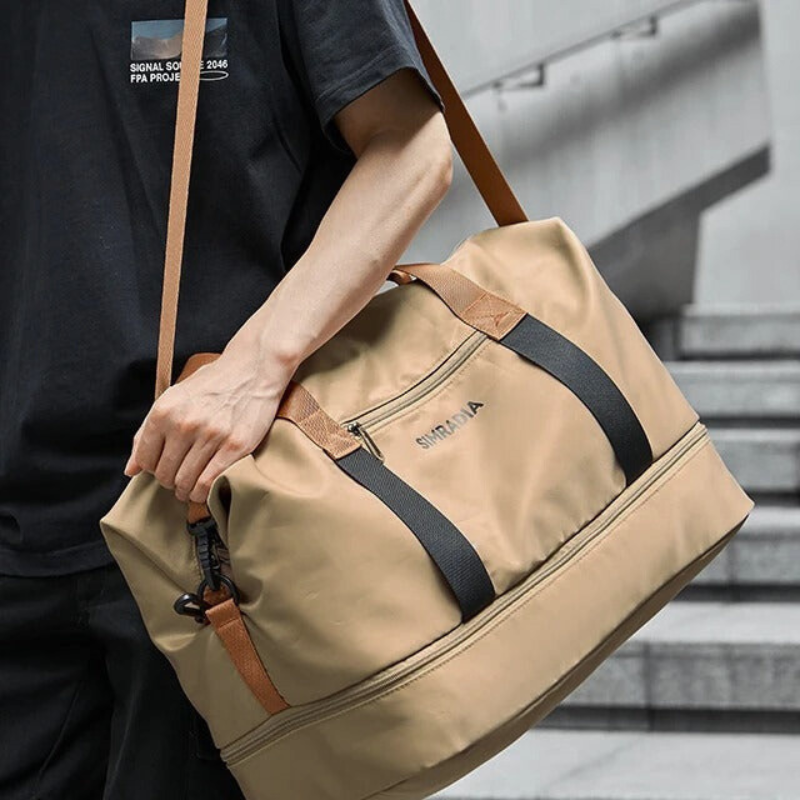



The Walking Commute Bag Setup: What to Carry When You Walk to Work

A walking commute is not a train commute with nicer shoes. The bag moves with every step. Weight compounds. Hands matter. Weather hits the shell longer than it does on a short platform wait.
Most people fix the wrong problem first. They buy a bigger bag for a route that needs a lighter one, or they keep a stuffed office backpack for a walk that only needs a laptop day kit. The result is a shoulder that complains by block three and a bag that never feels settled.
This article is the practical setup: what to pack, what to leave, how to keep the load honest, and which Field & Ash bags fit a real walking route. For subway crowding and short platform space, see bags for subway commuters. For how heavy the load should feel before you leave the door, use how heavy your everyday bag should be.
The walking commute is a different job
Write the route as a job before you shop.
Job 1 is motion. You will carry the bag for 15 to 45 minutes without a seat. Straps, balance, and empty weight matter more than a third exterior pocket you never open on the sidewalk.
Job 2 is arrival. The same bag has to open cleanly at a desk, a client table, or a café. The laptop should not share a cavity with a wet umbrella.
If those jobs stay mixed, you either overpack "just in case" or underprotect the machine. Split them and the bag choice gets simpler.
A walking route rewards a bag that stays close to the body, leaves both hands free at crosswalks, and still has a clear home for a laptop up to 14 inches when the day needs one.
The weight rule for walking days
On foot, empty bag weight is not a vanity metric. It is the floor of every step.
Aim for a packed bag that does not change your gait on a flight of stairs. If you shorten your stride or hike one shoulder after two blocks, the load is lying to you.
A useful check:
- Put only the true workday items in the bag.
- Walk your longest indoor hallway or a short outdoor loop.
- If you notice the bag before you notice the route, remove one item and retest.
Leave the "maybe" layer at home on pure walking days. A spare charger brick, a second notebook, and a full toiletry kit belong on transit-plus-office days, not on a neighborhood walk where you can return to a drawer.
For the broader weight framework, the Journal already covers the simple check in How Heavy Should Your Everyday Bag Be?. Use that piece for the math. Use this one for the walking-specific cut.
What actually goes in the bag
Keep a fixed core. Add one weather layer only when the forecast earns it.
Core (most walking laptop days)
- Laptop (if the day needs it)
- Slim charger or cable kit, not a full cable drawer
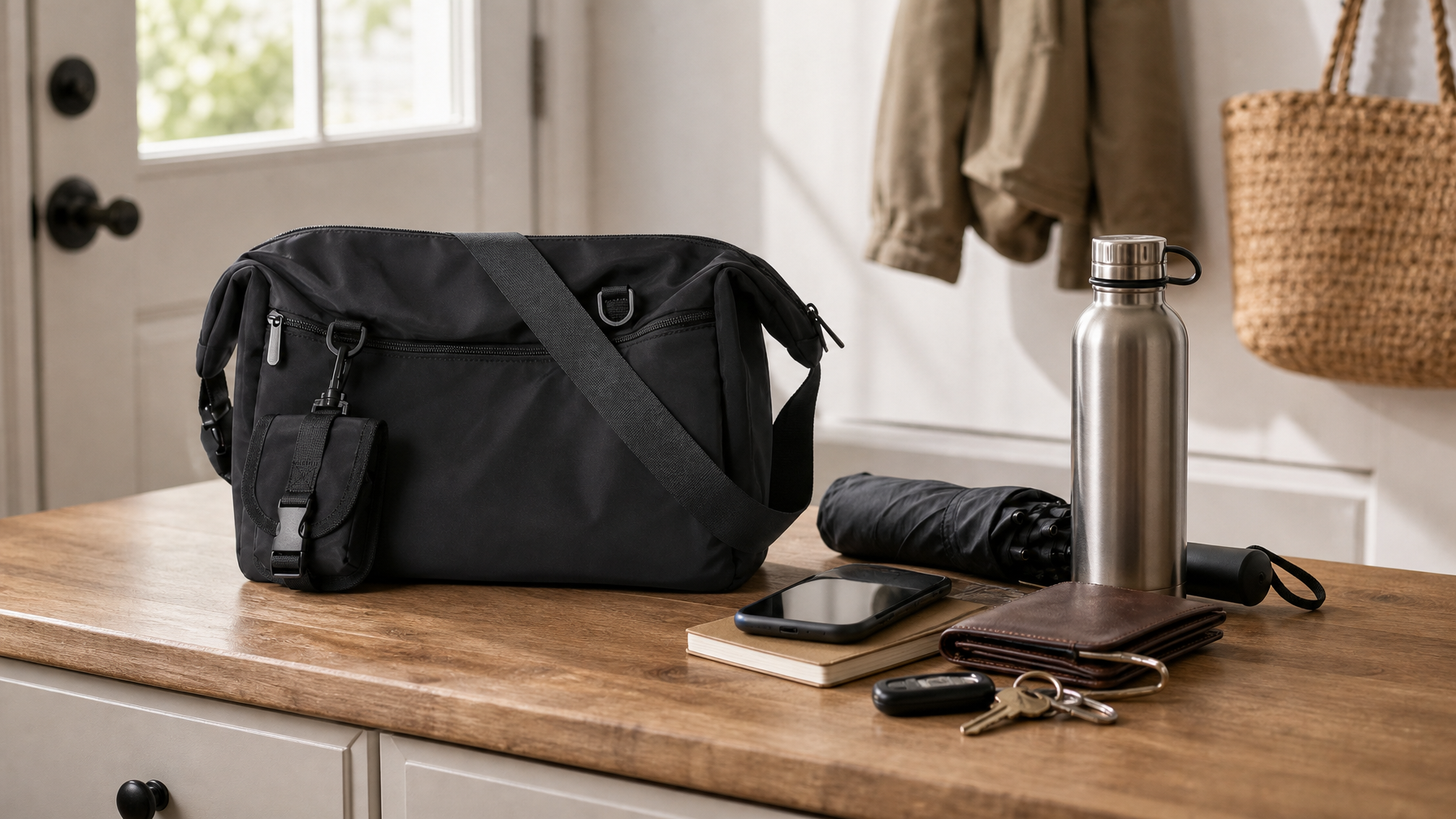
- Phone, wallet, keys
- Badge or transit card if your building still uses one
- Water bottle only if you will drink it on the route
- One notebook or tablet, not both by default
Weather add-ons (only when needed)
- Compact umbrella in its own sleeve or exterior-friendly pocket
- Light shell you can wear, not stuff as a permanent ballast
- Small packable rain cover only if your route is long and exposed
Usually leave behind on a pure walk
- Full gym kit (that is a different job; see gym to office without switching bags)
- Multiple hardback books
- A second pair of shoes
- "Just in case" snacks that expire in the side pocket
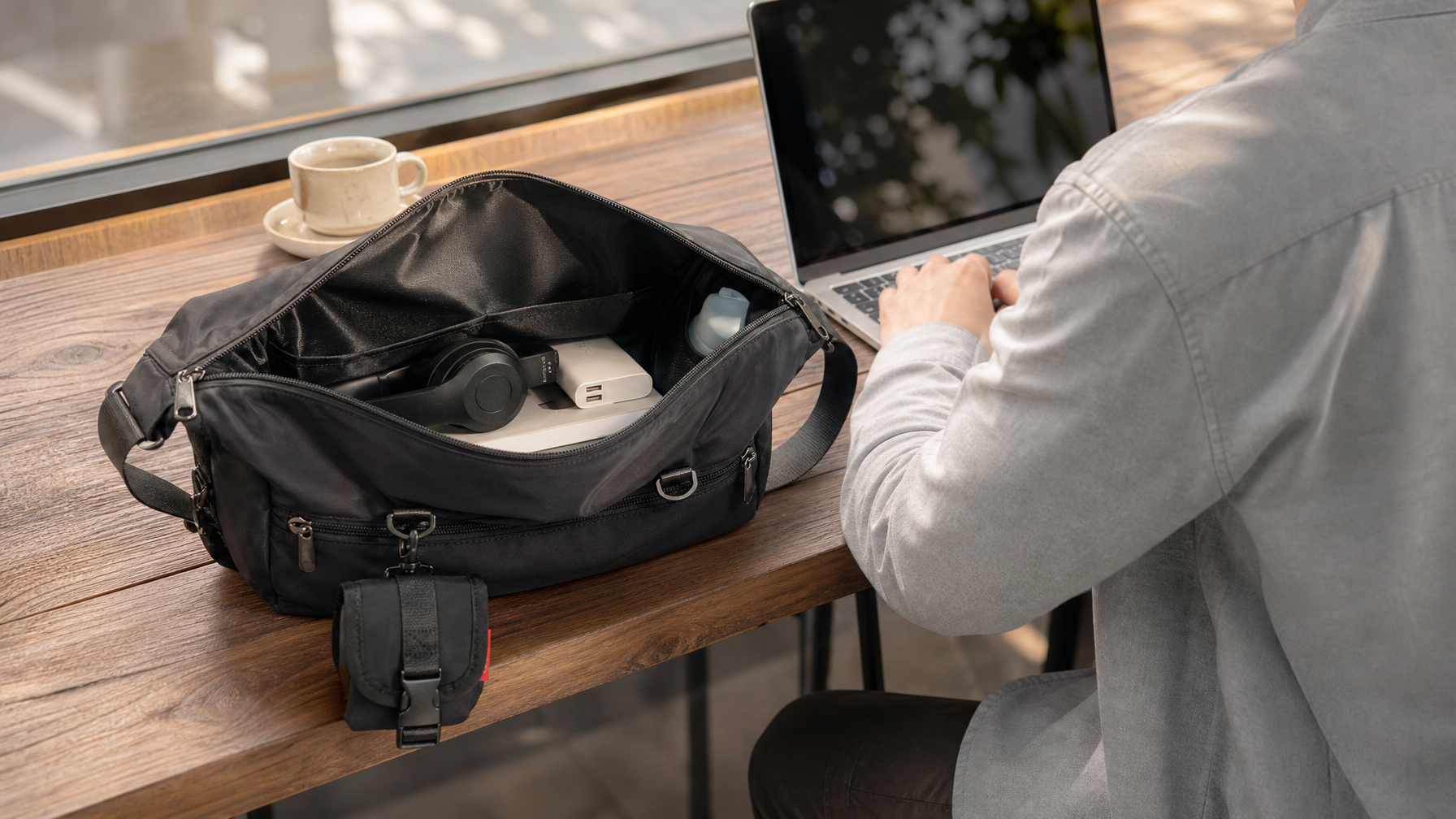
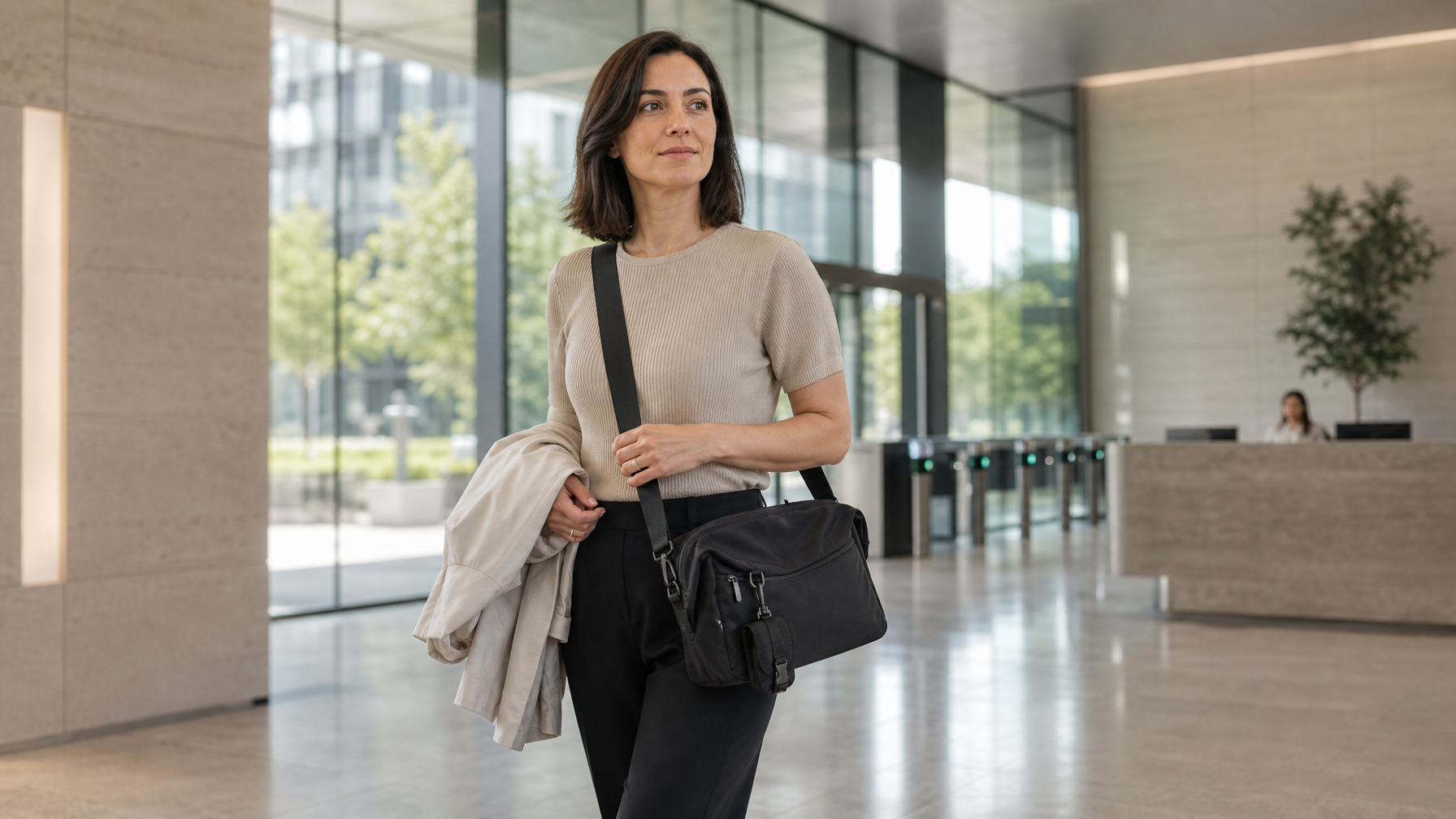
The front pocket on a messenger should hold the items you need at a door or crosswalk without opening the main compartment. On the Haven Messenger, the front pocket fits your phone, wallet, and card together. The detachable pouch holds one small essential, such as AirPods. Access the front pocket while Haven stays at your side. A separate back pocket fits a phone and wallet together.
Do not invent a padded laptop sleeve on Haven. A laptop up to 14 inches sits in the open main compartment. Keep clothing and wet gear out of that cavity.
Weather without waterproof theater
Walking stretches your exposure window. You feel drizzle longer than a two-stop subway hop.
Field & Ash daily bags use water-resistant Oxford or nylon shells meant for daily use and light rain. That is not the same as a fully waterproof dry bag. Wipe the exterior if it picks up moisture. Do not leave a wet umbrella against a laptop sleeve or main compartment wall.
Useful habits:
- Put the umbrella in a dedicated sleeve or a pocket that does not touch the machine.
- If the bag gets wet, wipe it when you arrive. Do not park it against a radiator.
- On heavy rain days, shorten the outdoor segment if you can, or wear the shell and keep the bag under a coat flap when you stop at lights.
Educational language is fine: waterproof means sealed against immersion-level water; water-resistant means the fabric sheds light rain for daily commuting. Shop the care language on each product page before you claim more than Materials & Care supports.
Hands-free is a safety feature
A walking commute includes crosswalks, dog leashes, coffee lids, and phone checks you should not do mid-block.
Prefer a carry that keeps both hands available:
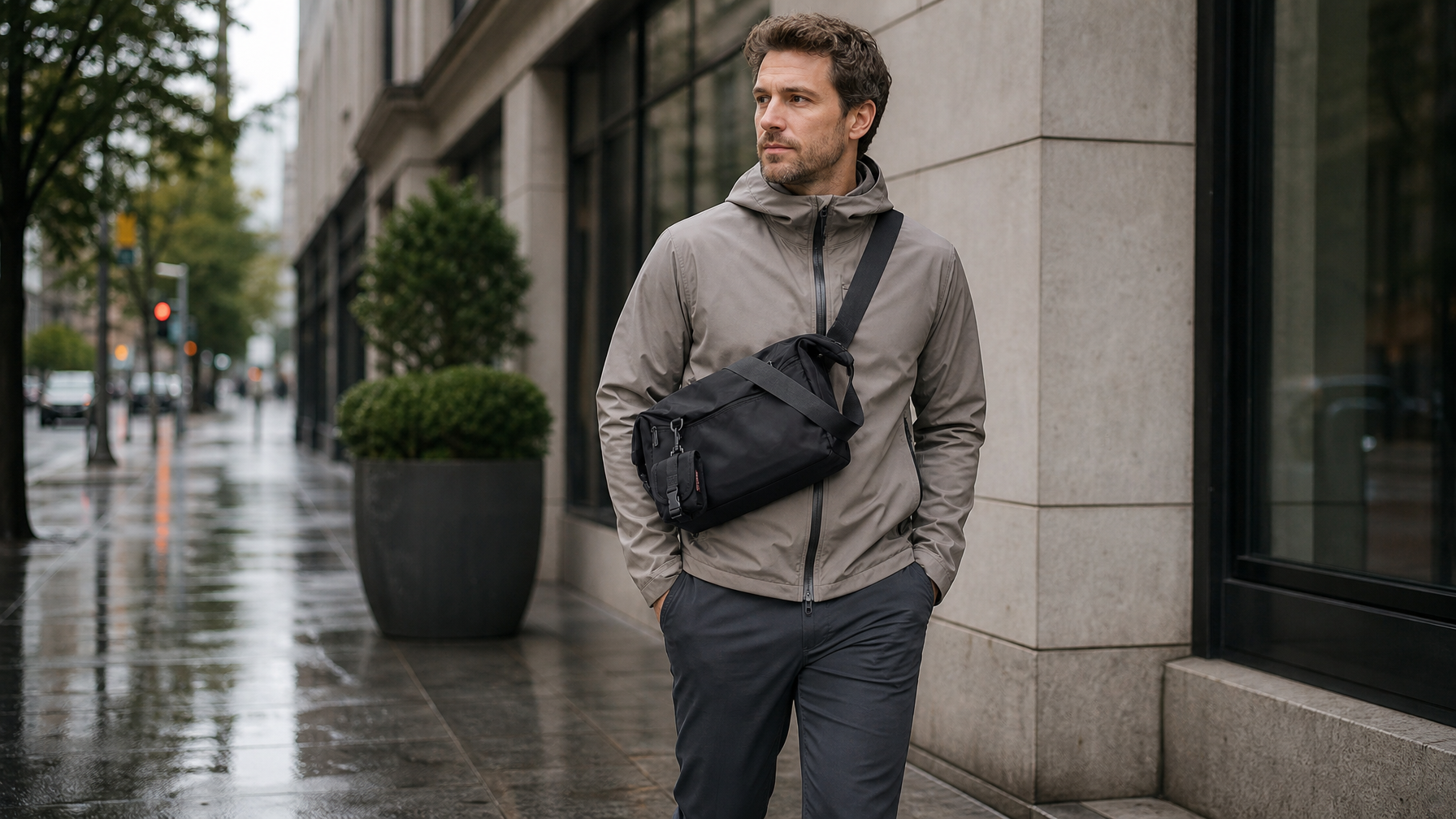
- Crossbody messenger worn high enough that it does not bounce at mid-thigh on a brisk walk
- Two-strap backpack when the load includes a larger laptop or a full day of layers
- Sling only when the laptop stays home
Single-shoulder carry for 30 minutes is workable if the strap is wide and the load is honest. It fails when you add a water bottle, lunch, and a 15-inch machine and still insist on one strap.
If your shoulder complains, fix setup before you blame the category. Strap height, bag position, and weight usually matter more than brand. For messenger-specific pain patterns, see Messenger Bag Shoulder Pain: Fix the Setup Before You Replace the Bag.
Which bag for which walking day
Haven Messenger ($89), default walking laptop day
Haven is the everyday answer when you walk with a laptop up to 14 inches and a short essentials kit. Weight is about 1.21 lb empty. The shell is water-resistant 600D Oxford for daily use and light rain, not a submersible dry bag. The main compartment holds the laptop directly. There is no dedicated padded sleeve.
Use Haven when the route is mostly walking, the machine is 14 inches or smaller, and you want crossbody access at doors without dropping a backpack.
Lite Backpack ($89), longer walks or larger laptop days
Lite is the light two-strap option when the walk is longer, the laptop is up to 15.6 inches, or you want the weight split across both shoulders. Empty weight is about 1.0 lb. Capacity sits in a practical everyday band without turning the walk into a hiking pack day.
Use Lite when one strap already feels like a debate by block two, or when the day includes a thicker notebook stack.
Metro Laptop Brief ($79 / $99), short polished walks
Metro is the slim brief when the walk is short, the day is meeting-heavy, and the load is mostly device plus a thin folder. Variants cover an 11-inch iPad path and a 14-inch laptop path. The profile stays narrow against the body.
Use Metro when you want a cleaner office silhouette and the route will not load shoes, lunch boxes, or a full weather kit.
Commuter Sling ($89), no-laptop walking days
Commuter Sling is the lightest bag in the catalog at about 0.66 lb. It is for phone, wallet, keys, and a small tablet day, not a full laptop commute.
Use it when the office already has a docked machine, or when the walk is an errand-plus-meeting day without a computer on your back.
Apex Backpack ($139 / $159), heavy load walks only
Apex is the high-capacity answer when the walking day still includes a large laptop (up to 17.3 inches on the larger variant), multiple devices, and a real day kit. Separate padded laptop and tablet compartments keep machines away from loose gear. Materials & Care language is water-resistant nylon for light rain, not fully waterproof immersion.
Use Apex when the load is already a backpack day and the walk is unavoidable. Do not default to Apex for a light neighborhood laptop walk. You will feel every extra liter.
A simple packing sequence for the night before
Walking days punish morning indecision. Set the bag the night before so the walk starts calm.
- Empty yesterday's receipts and dead cables.
- Charge the laptop and put it in last.
- Stage phone, wallet, keys in the front pocket or a single known zone.
- Check the forecast once. Add umbrella or shell only if needed.
- Set the bag by the door with shoes you can actually walk in.
If you want a fuller ritual for any commute mode, use The Night-Before Bag Prep. The walking version is shorter because the load should already be smaller.
When to switch bags mid-week
You do not need one bag for every calendar square.
- Walking laptop days: Haven or Lite
- Walking light days: Commuter Sling or Transit Crossbody
- Client-heavy short walks: Metro
- Heavy kit days: Apex or Venture, even if part of the route is on foot
A two-bag hybrid system is honest when laptop days and light days truly differ. That system is covered in Two Bags for Hybrid Work: Laptop Days vs Light Days. This article stays on the walking route itself.
Quick answers
What is the best bag for a walking commute?
The best bag is the lightest one that still protects your real workday load. For many people that is a crossbody messenger with a 14-inch laptop path or a light two-strap backpack when the machine or the route is heavier.
Should I use a backpack or a messenger for walking?
Use a messenger when the load is moderate and you want fast access at doors. Use a backpack when weight or laptop size makes one strap a poor trade. The decision is load and distance, not style preference alone. For a broader comparison, see Messenger Bag vs. Backpack.
How do I keep a laptop safe in light rain on foot?
Choose a water-resistant shell, keep wet items away from the machine, wipe the bag on arrival, and do not treat light-rain fabric as a dry bag. Shorten outdoor exposure when the storm is real.
What should I never pack for a pure walking day?
Anything you will not use before you sit down: spare shoes, full gym loads, duplicate chargers, and "maybe" layers that only exist to quiet anxiety.
The setup in one line
Walk with a bag that matches the route, not the fear of a missing cable. Keep the core small, keep the shell honest about light rain, keep both hands free, and pick Haven, Lite, Metro, or a true heavy pack only when the day earns it.
Carry deliberately. The sidewalk will tell you if you ignored the weight.