


The Lunch Commute Bag Setup: What to Carry When You Bring Food to Work

Bringing lunch to work is a packing problem, not a food problem. The container leaks, the bag smells by Thursday, or the laptop shares a cavity with something wet. The commute still has a laptop, a badge, and a walk.
This is a lunch commute bag setup: isolation, a sealed container, and a short list. It is not a recipe, a cooler review, or a buying roundup. For the weekday item list, use the work bag essentials list. For what stays at the desk, use desk stash vs commute bag. For wet pavement, use the rainy day commute bag setup. For fabric language, stay with waterproof versus water-resistant bags. Do not treat any Field & Ash bag as waterproof.
What lunch actually does to a bag
Food adds weight, moisture, and odor. It also adds a second job at the office: a microwave, a fridge, a sink.
1. Morning pack. The container is sealed before it touches the bag. If the lid is a hope, leave it.
2. The ride. The bag sits on a lap, a seat, or a strap. A leak finds the lowest point. That is often the laptop.
3. Building arrival. You still need a badge and a free hand. Do not open the main cavity in the lobby to check lunch.
4. Desk drop. Food goes to the fridge or the desk stash. It does not live in the bag all day next to the machine.
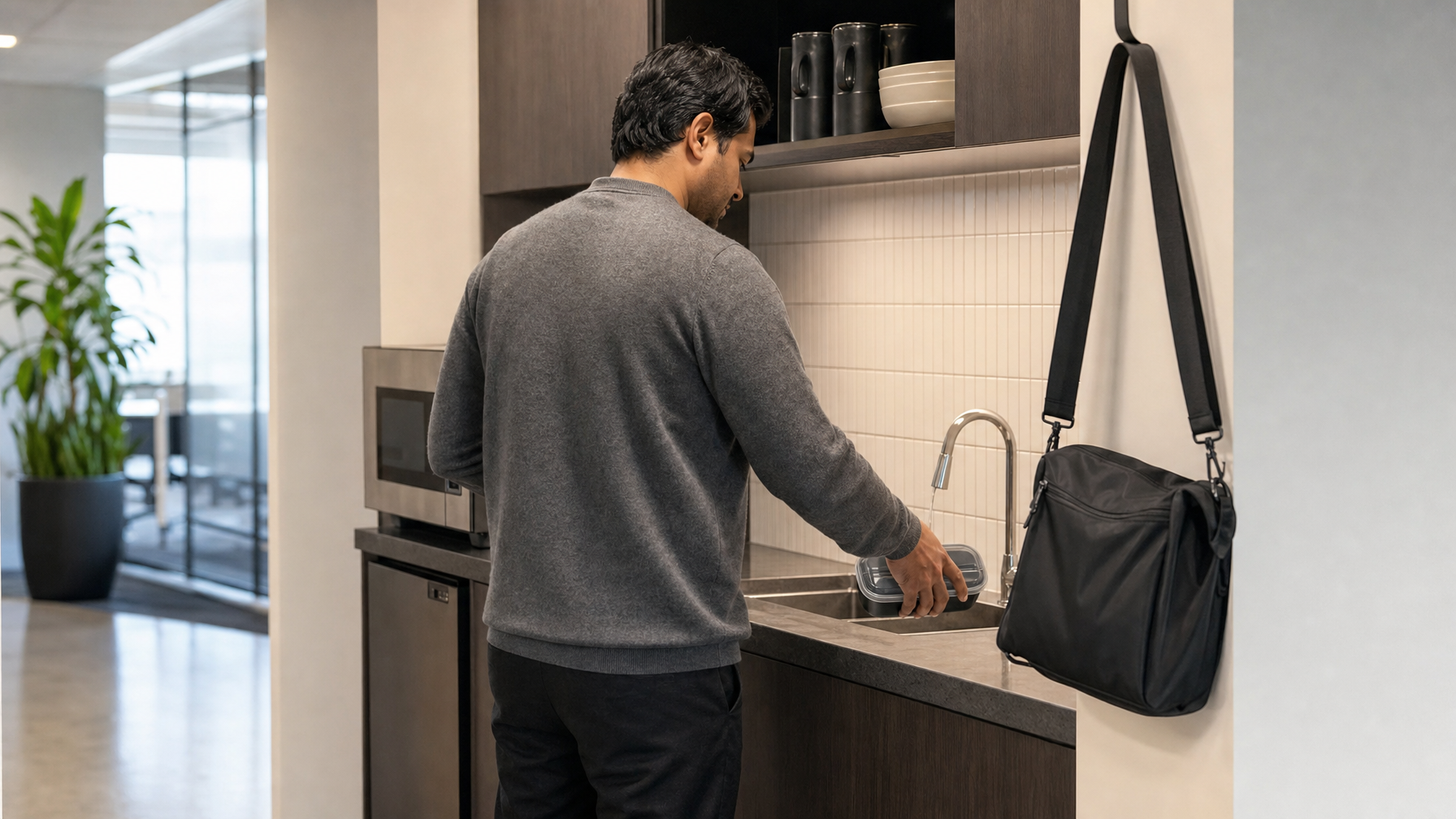
5. Home. An empty container is still a wet object. Rinse or bag it before it shares a cavity with a laptop on the way back.
Weight still matters. A simple check lives in how heavy your everyday bag should be. Gym clothes are a different load: gym to office without switching bags.
The short lunch list
Build it once. Edit it when the week changes, not at the fridge door.
Core list
- Laptop if the day needs it, closed, packed last, never under food
- Phone, wallet, keys
- Building badge
- One sealed lunch container (lid you have tested with water)
- A cloth or paper barrier between food and the rest of the bag
- Utensil in a dry sleeve, not loose
- Water only if the bottle is sealed and isolated from the machine
- A thin layer you will wear, not a coat stuffed around the container
Usually leave behind
- Soup in a lid you have never leak-tested
- An open salad box
- A freezer pack that sweats against fabric
- Extra snacks that turn the bag into a pantry
- Yesterday's empty container still sitting in the main cavity
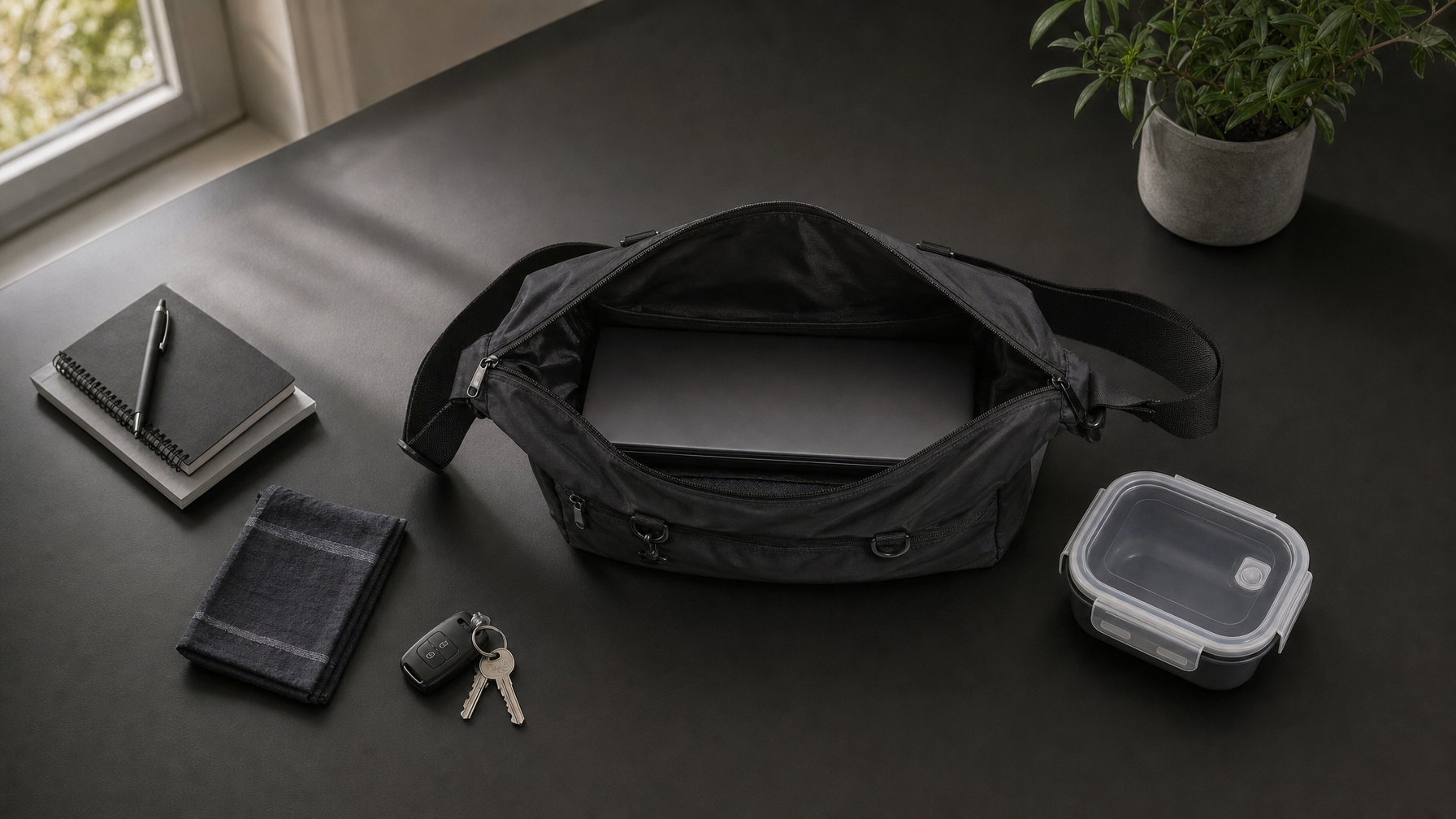
On the Haven Messenger, the front pocket fits your phone, wallet, and card together. Access the front pocket while Haven stays at your side. The detachable pouch holds one small essential, such as AirPods. A separate back pocket fits a phone and wallet together. A laptop up to 14 inches sits in the open main compartment. There is no padded dedicated laptop sleeve. Lunch does not share that main cavity with the laptop unless it is sealed and isolated on the opposite side of the opening, never stacked on the machine.
How to pack so lunch cannot reach the laptop
1. Seal, then wipe. Run water around the lid at the sink. Dry the outside. If it weeps, it does not ride.
2. Food and machine do not stack. If the bag has one main cavity, put the laptop in last, closed, with a cloth or sleeve between it and the container. Better: food in a side pocket or a second small bag.
3. Daily grab items stay outside the main zip. Phone, wallet, badge, and keys belong in a front or side pocket. You should not open the lunch cavity in a lobby.
4. Empty containers are still wet. On the way home, bag the empty box or leave it at the desk until you can rinse it.
5. Keep the bag on you until you sit. A bag on a neighboring seat takes on coats. A bag on the floor takes on splash. Same rule as the bus commute bag setup and the commuter rail bag setup.
Wear it so both hands stay free
A lunch day still has a door, a badge, and a container you should not drop.
Crossbody. Keep the strap taut. Grab items stay in the front pocket so the main zip stays closed. Do not drop the bag to one hand while you hold a coffee and a lunch box.
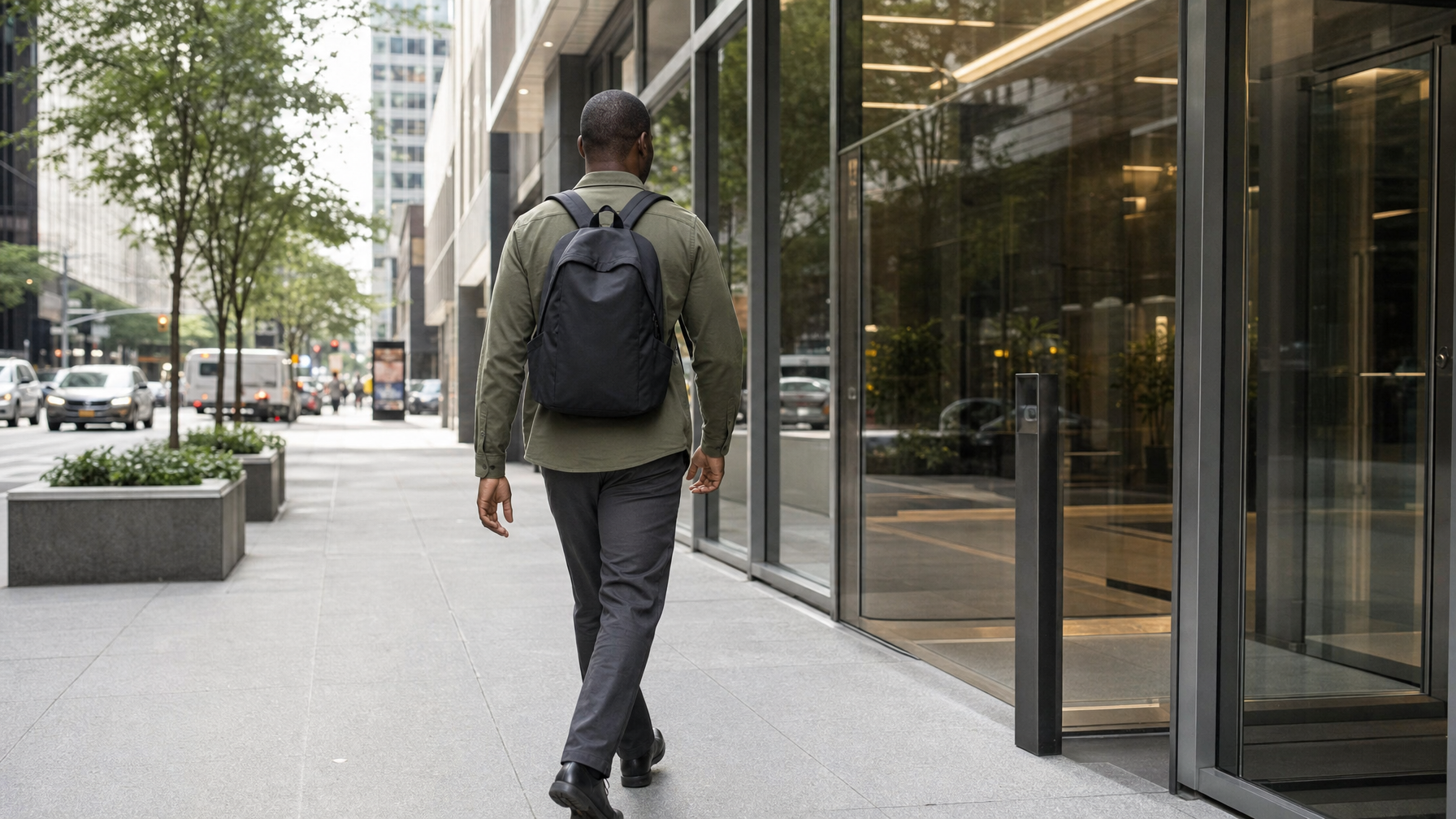
Two straps. Both straps on until you sit. Then the pack can rest on your lap, still zipped. Do not drop one strap to one shoulder while you board.
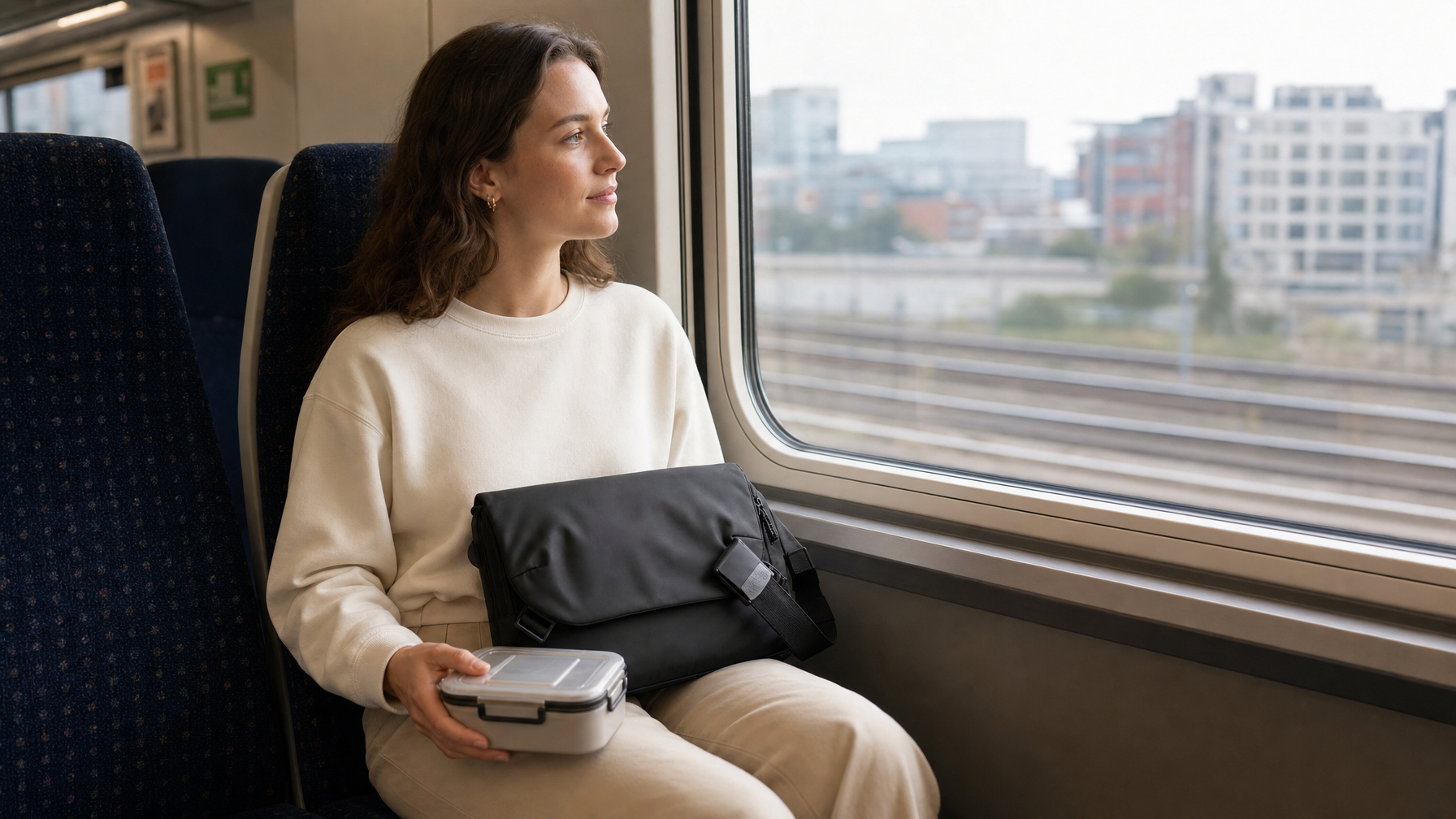
Brief on the lap. Closed. The lunch box can sit beside you or in a side pocket, not under the laptop.
Never. An open top with a glass container. A tote hanging from one forearm at a curb. A bag set on wet pavement while you hunt for keys.
If the sidewalk is wet, keep the bag zipped and on your body. Spray will find a loose flap. That is still not waterproof language. It is a closed bag on a wet day.
Which bag holds a lunch commute well
Once the list is honest, format follows the machine and whether food can live outside it.
Haven Messenger ($89), most city laptop days
Crossbody keeps one hand free at the badge reader. The front pocket fits your phone, wallet, and card together so you do not open the main compartment in the lobby. A laptop up to 14 inches sits in the open main compartment. There is no padded dedicated laptop sleeve. Put lunch in a sealed container with a cloth barrier, not stacked on the laptop.
Metro Laptop Brief ($79 / $99), slim laptop days
A brief is a machine bag. Lunch rides beside it, in a hand, or in a small second bag. Do not force a leakable container into a slim brief against a laptop.
Lite Backpack ($89), two-strap days with more volume
Both straps on for the walk. Use the extra volume to keep food away from the laptop, not to add a second meal. Close the bag before you board.
Commuter Sling ($89), light days without a laptop
If the laptop stays at the desk, a sling can carry a sealed container and daily grab items. It is not a picnic bag. One container, sealed.
After lunch, reset the bag
The commute home fails when the empty box stays where the laptop will go.
Rinse or bag the container. Wipe the cavity if anything condensed. Put the laptop back last. If the bag smells, the lid failed earlier in the week. Fix the container, not the strap.
For the night-before load, use night-before bag prep. For the morning ritual, use the morning commute routine. For walking routes, use the walking commute bag setup. For curb pickups, use the rideshare commute bag setup.
A simple rule
If you would not set a drink on the laptop, do not pack lunch on the laptop. Seal it. Isolate it. Keep grab items out of that cavity. That is the whole lunch commute bag setup.