


How to Organize a Work Bag So You Stop Dumping It Every Night

TLDR: A work bag stays organized when the night ends with a short dump-and-sort, not when you buy another pouch. Empty the bag once, throw what did not earn a seat, put daily reach items back in the same homes, and close the bag before you sleep. The morning rummage is usually last night's unfinished reset.
Most people reorganize a work bag in the morning, under time pressure, with coffee already cooling. That is the wrong window. Morning is for leaving. Night is for deciding what is still allowed to travel.
This article is not another three-zone map of every pocket. Field & Ash already covered permanent homes and a weekly reset in How to Organize Your Bag. Here the job is narrower: stop dumping the whole bag every night because nothing has a fixed place by morning.
The goal is a bag you can trust closed. When the lid or zip goes down, you should already know where the laptop, badge, and charger live.
Why the nightly dump keeps winning
Dumping feels faster than sorting. You tip everything onto the table, grab the laptop charger, and leave the rest as a pile "for later." Later never comes. The pile migrates back into the bag as one mixed layer, and the next morning you dump again.
Three habits keep the cycle alive:
- The bag is the only inbox. Receipts, meeting swag, spare cables, and a second pair of earbuds all land in the same cavity because there is no tray or drawer for "not tomorrow."
- Homes move. Phone was in the front pocket on Monday and the main compartment on Tuesday. Search time multiplies.
- The reset waits for weekend energy. A five-minute nightly pass is lighter than a Sunday empty, but only if it happens most weeknights.
If you already keep a desk stash at the office, pair this with Desk Stash vs Commute Bag. Stationary gear should not re-enter the bag every night only to ride home unused.
The 6-minute nightly reset
Do this at the same surface every night: kitchen counter, entry console, or desk. Same place trains the habit.
Minute 1 to 2, Full empty.
Take everything out. Detach any small pouch. Do not sort in the bag. You cannot see layers while they are stacked.
Minute 2 to 3, Three piles only.
- Keep tomorrow: laptop, charger you actually use, wallet, keys, badge, earbuds, one notebook, medication if needed.
- Stay home: gym shoes you did not use, bulk toiletries, paper you already photographed, cables you did not touch this week.
- Trash or file: receipts, broken dongles, lint, empty wrappers.
Minute 3 to 5, Reload in fixed order.
Laptop first, flat against the back or base of the main cavity. Then the short daily cable and earbuds in one known pocket. Then wallet, keys, and badge in the same reach pocket every time. Close the bag. If something does not fit without forcing, it does not belong in tomorrow's kit.
Minute 5 to 6, Door check.
Wear the bag once around the room or hang it on the hook you use in the morning. Open only the reach pocket. If you cannot find badge or keys in two seconds, fix it now.
You are not building a perfect grid. You are ending the day with one honest load.
What stays, what leaves, what never re-enters
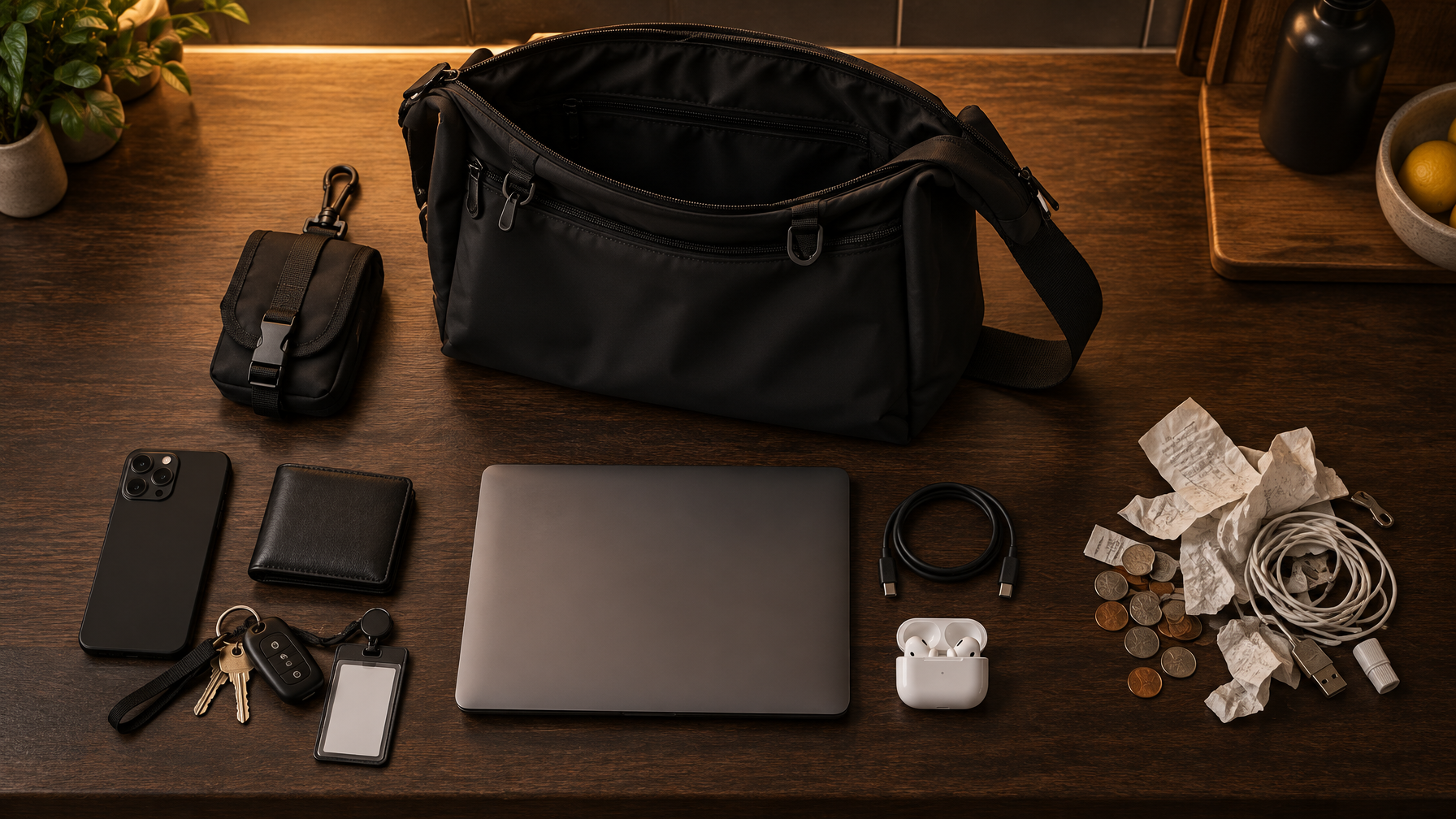
Stays (work kit).
Laptop up to the bag's real limit, one short charging cable, earbuds, notebook, pen, badge, wallet, keys, phone, any medication you cannot replace at the office.
Leaves (home tray).
Backup bricks, "just in case" adapters, unread printouts, snack bulk, a second hoodie, conference swag from last month.
Never re-enters without a reason.
Loose coins, crumpled receipts, dead cables, promotional pens, the cable that only fits a device you no longer carry.
If your week splits laptop days and light days, the two-bag pattern in Two Bags for Hybrid Work keeps each bag from becoming a junk drawer. The nightly reset still applies to whichever bag you used that day.
For the short list of true weekday essentials, see The Work Bag Essentials List.
Laptop placement without fake sleeves
How the laptop sits decides whether the rest of the bag stays flat.
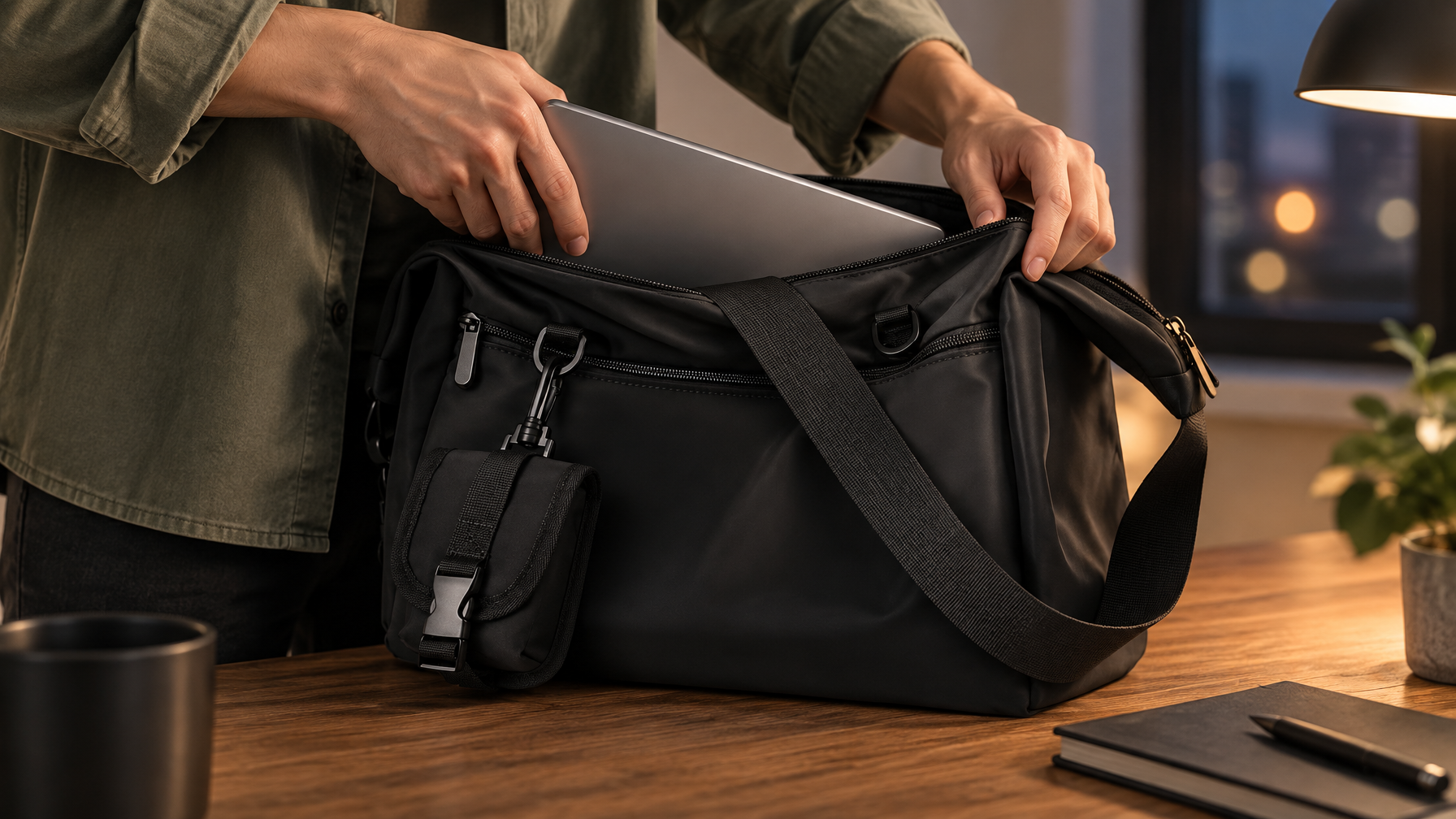
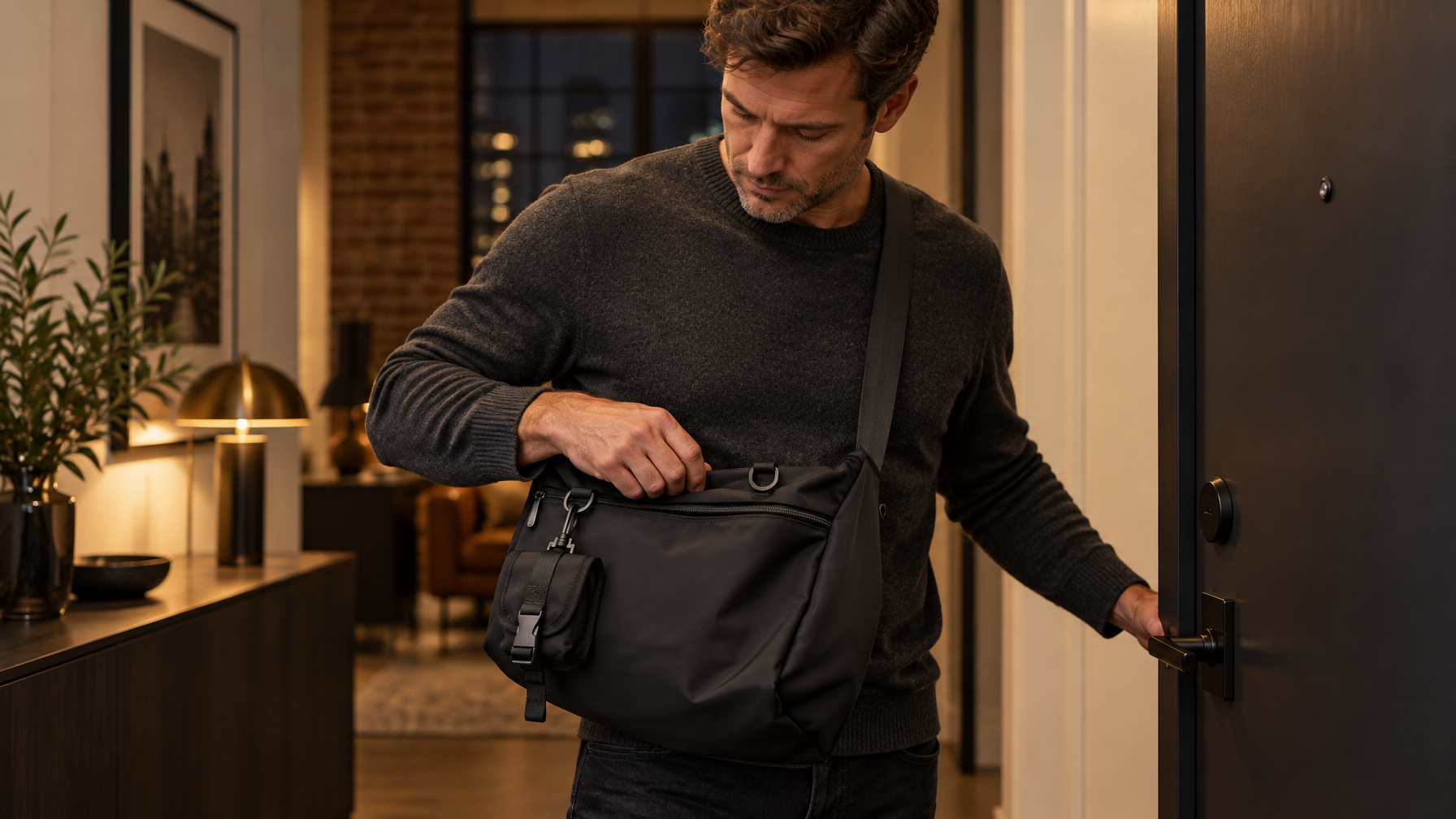
On the Haven Messenger, a laptop up to 14 inches goes in the open main compartment. There is no dedicated or padded laptop sleeve. Slide the closed laptop in first so it rests against the back panel, then add softer items in front of it. Do not assign the two interior slip pockets to the laptop. Those are small-item pockets only. The front pocket is for phone, wallet, and card together. The separate back pocket can hold a phone and wallet together when you want a quieter face. The detachable pouch holds one small essential, such as AirPods.
On the Metro Laptop Brief, the padded device sleeve is the laptop's permanent home (11-inch iPad or 14-inch laptop, depending on the size you own). Use the front zip pocket for daily reach. The hasp flap keeps the brief closed so the nightly reload ends with a deliberate latch, not a half-open cavity.
If the laptop only fits when you crush the rest of the kit, the bag is the wrong size for that day, or the kit is too large. Do not solve that with a second dump in the morning.
Give each format a job
A hybrid week often needs two honest tools, not one overstuffed compromise. That is the same split as Desk Bag vs Work Backpack, applied to the nightly reset.
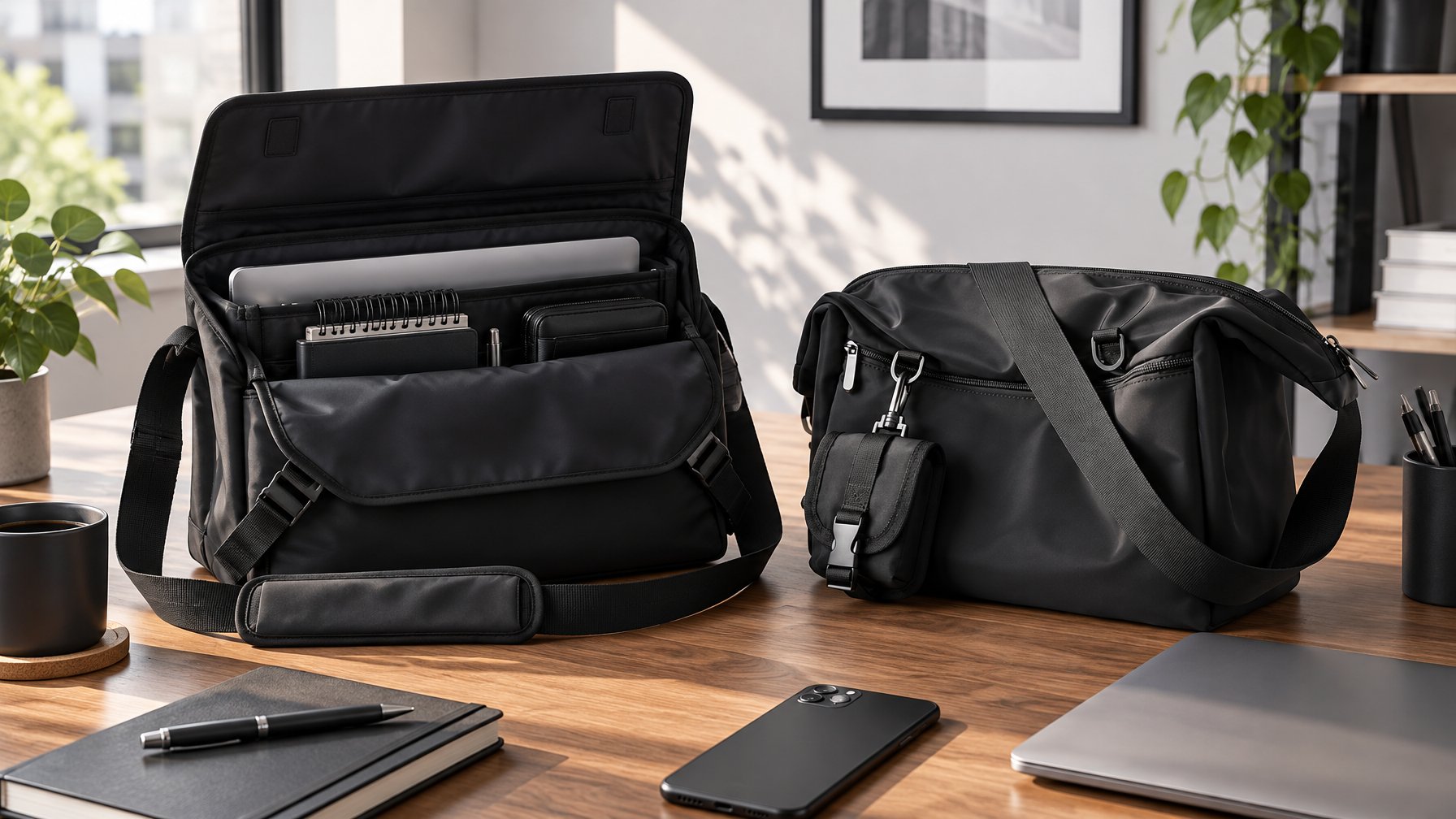
Metro Laptop Brief when the day is desk-forward: thin laptop carry, polished structure, less volume to audit at night. Emptying a brief takes less time because there is less cavity to hide junk.
Haven Messenger when the day is motion-forward: crossbody comfort, a true main compartment for the 14-inch laptop load, front reach pocket, and a detachable pouch for one small essential. Water-resistant exterior for ordinary weather, not a waterproof claim.
Do not use both bags as dual junk drawers. Assign one primary bag per day. Reset that bag the night you use it.
When the dump is still the right move
Empty the whole bag without guilt when:
- You changed cities, clients, or gym plans midweek.
- Liquid, food, or rain got into a pocket.
- You cannot name what is in the main compartment without looking.
- You skipped more than two nightly resets in a row.
A full dump is a repair, not a lifestyle. After the repair, return to the six-minute version.
Field & Ash picks for a bag you can close
- Default work messenger: Haven Messenger for a 14-inch laptop in the main compartment, daily reach in the front pocket, and a nightly empty that stays short.
- Desk-day brief: Metro Laptop Brief when the padded sleeve and flap closure match a lighter professional load.
Carry deliberately. The bag that is already sorted at 10 p.m. is the bag you do not have to dump at 7 a.m.
FAQ
Do I need to empty the bag every single night?
Most weeknights, yes, at least enough to remove trash and reseat daily reach items. A lighter touch still beats a weekend archaeology dig.
What if I work from home the next day?
Still clear trash and leave the bag closed with a known kit, or park the bag empty on the hook. Half-packed limbo is how junk returns.
Can I organize without buying pouches?
Yes. Fixed homes inside the bag you already own beat extra organizers you do not reload.
Where does this sit next to the three-zone system?
Zones define permanent homes. The nightly reset is how those homes survive contact with a real workday. Link both: start with the organization system, then use this article as the weekday close-out.
For the broader Field & Ash filter on honest materials and load, see The Field & Ash Carry Standard.