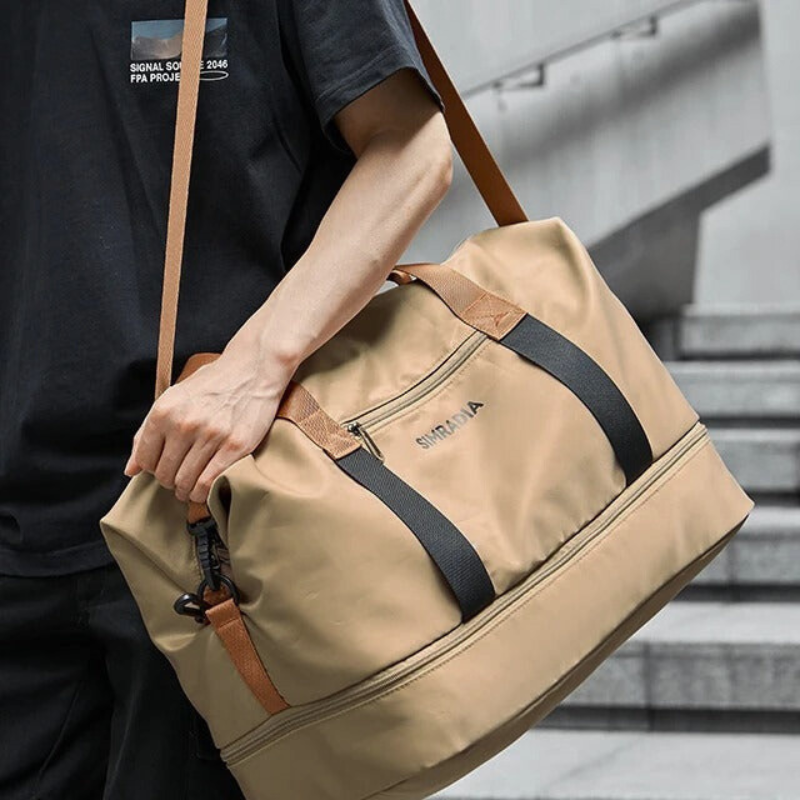



Tablet-Only Carry: Building a Day Bag Without a Laptop

TLDR: A tablet-only day is a smaller kit, not an empty one. Leave the 14-inch laptop at the desk, keep one tablet you actually use, and pick a bag that cannot swallow a laptop even if you try. Phone, wallet, keys, charger, and one notebook still need fixed homes. The bag that worked for laptop days is usually too large for this job.
Plenty of weekday work now happens on a tablet. Notes, decks, email, and a browser tab do not require a 14-inch laptop on every outing. The bag often does not get the memo. People keep wearing a messenger or work backpack because it is already packed, then fill the leftover space with cables they will not use.
This article is for the other day: the laptop stays home. You still leave the house with a real kit. You just stop carrying a computer you will not open.
If you still split laptop days from light days across the week, keep the two-bag pattern in Two Bags for Hybrid Work. Today is only the light day, built on purpose.
What tablet-only actually means
Tablet-only is not "leave the laptop and keep everything else." It is a smaller device plus a smaller supporting kit.
The device. One tablet you use with both hands or on a table. For Field & Ash bags that are honest about this job, that usually means around 9.7 inches in a sling, or a slightly larger tablet in a slim crossbody. Do not treat a 14-inch laptop as a tablet because it is thin.
The supporting kit. Phone, wallet, keys, badge if you need one, short charging cable, earbuds, one notebook or folded printout. That is the whole list for most people.
What does not come. Spare laptop brick, HDMI dongle, second mouse, full-size keyboard unless you already use it daily with the tablet, a second pair of shoes, and the "just in case" adapter pile.
The test is simple. If the bag still has a padded 15-inch sleeve you are tempted to fill, you are not on a tablet-only day. You are on a light laptop day in denial.
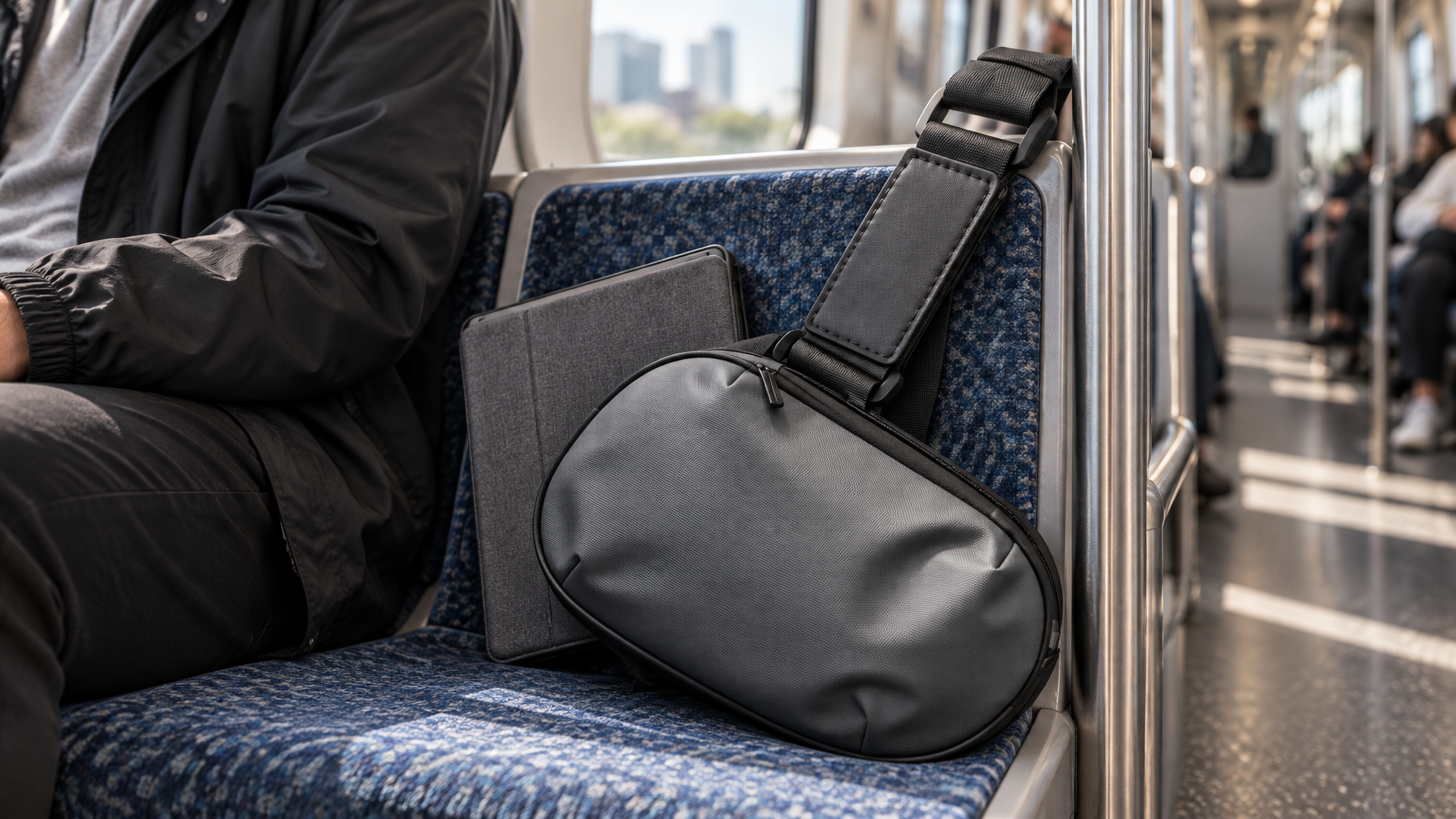
Why the old work bag fails this day
A messenger or laptop backpack is built around a computer plane. On the Haven Messenger, a laptop up to 14 inches sits in the open main compartment. That cavity is honest for laptop days. On a tablet-only day it is extra volume. Extra volume collects receipts, a spare hoodie, and the cable you did not need last week.
A 29-liter backpack with a 15.6-inch sleeve has the same problem at larger scale. The sleeve is empty, so you "use the space." By lunch the bag is a junk drawer with a tablet somewhere in the middle.
The right bag for this day should physically refuse a laptop. That constraint is the system.
For a longer view of format choice when both kinds of days exist, see Desk Bag vs Work Backpack. Do not use that article to justify wearing the laptop bag on a no-laptop day.
Three formats that fit a tablet day
1. Sling: smallest honest kit
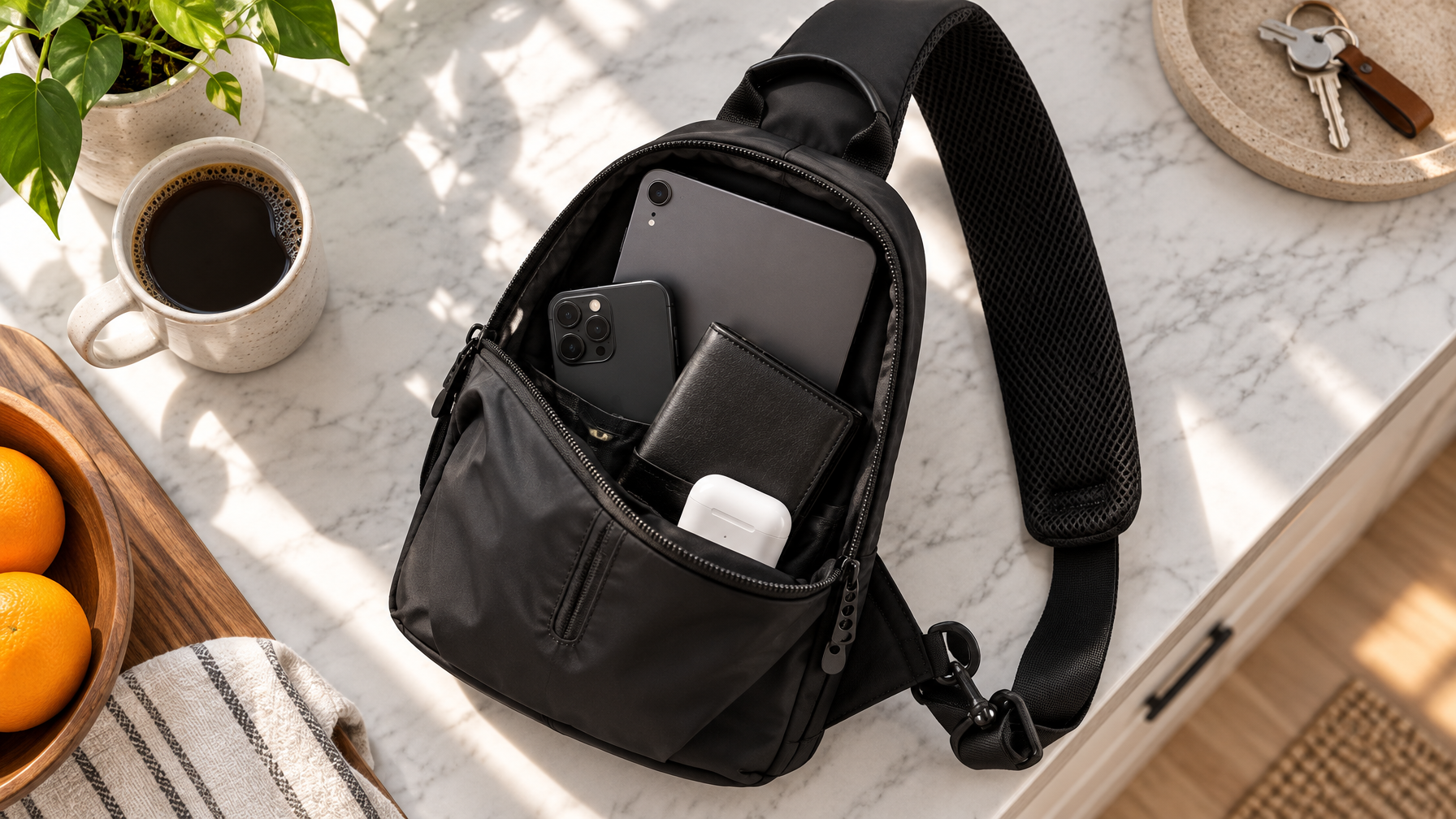
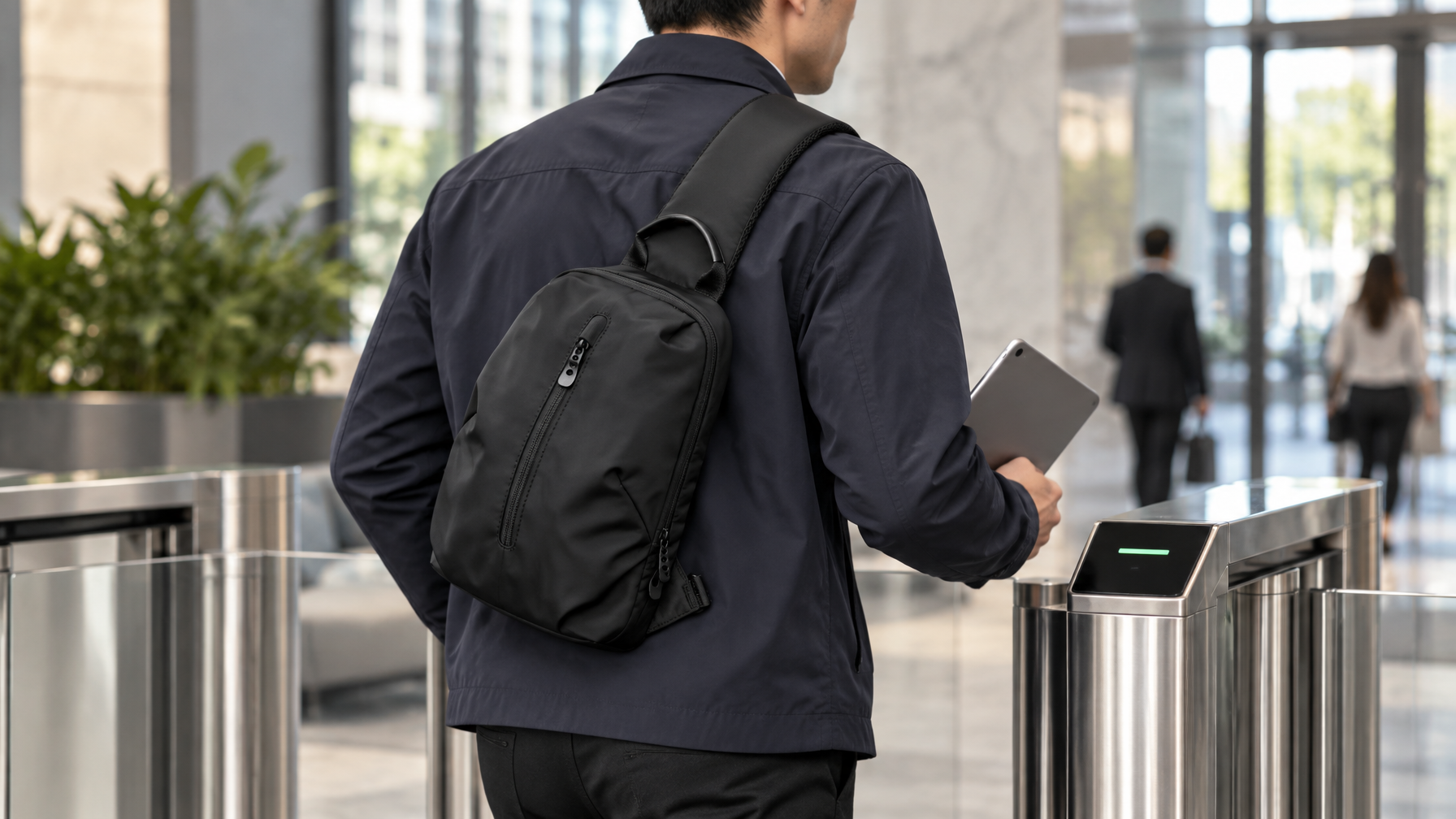
The Commuter Sling is built for this exact constraint. Catalog device fit is up to a 9.7-inch iPad or tablet. Approximate size is 11 × 6 × 3 inches. Weight is 0.66 lb. There is no laptop sleeve because there is no laptop job.
Wear it across the chest so the tablet stays flat against your body. Main compartment holds the tablet in a slim sleeve or case. Interior slots take phone and cards. The short cable and earbuds share one zip pocket. If a 14-inch laptop will not go in, you will not "just this once" bring it.
Price is $89, same as Haven, with a much smaller footprint. Use it when the day is walking, transit, and meetings where you present from a tablet, not when you still need a full notebook stack.
2. Slim crossbody: tablet plus a little more paper
The Transit Crossbody is the lower-price option at $69. It is not a laptop bag. Catalog language is tablet, phone, wallet, and keys. Dual-zip main compartment, interior slot, phone pocket, interior zip. Wear it on either shoulder.
Use this when the tablet is smaller and you still want a slightly taller, flatter silhouette than a sling. Do not force a 12.9-inch tablet if it distorts the bag. If the zip fights you, the device is too large for this format.
Do not confuse it with the Commuter Crossbody, which we are not featuring while inventory is constrained.
3. Light backpack: tablet plus water and a layer
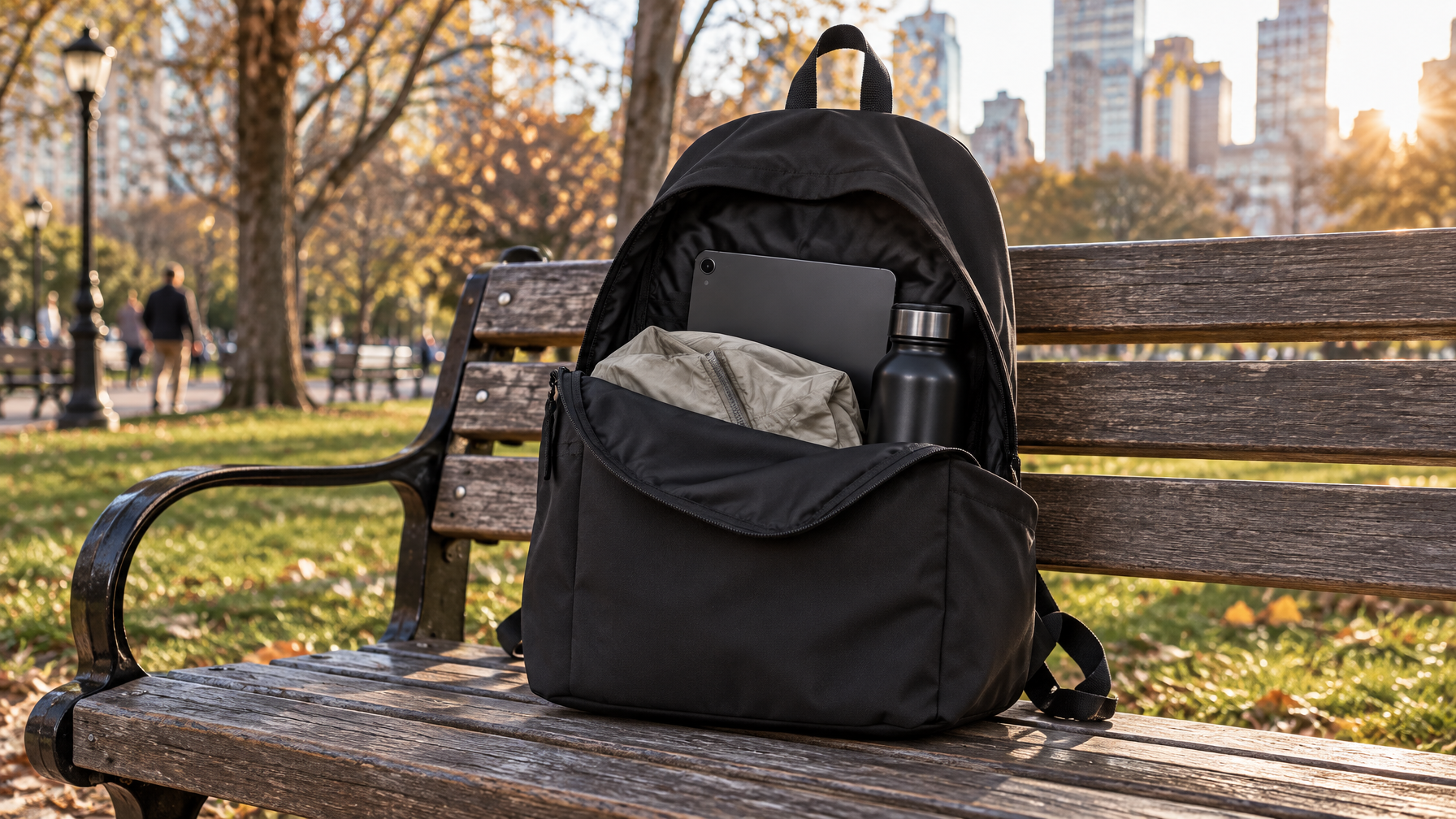
The Lite Backpack can hold a 15.6-inch laptop, so it is not a physical laptop lockout. Use it on tablet-only days only if you need a water bottle, a light jacket, and a lunch box the sling cannot take. Pack the tablet in the padded sleeve so the main cavity stays for volume, not for a second computer.
At 1.0 lb and $89 it is the light backpack in the catalog. The risk is the empty sleeve. If you catch yourself sliding the laptop back in "because it fits," switch to the sling for those days.
Packing order for a tablet-only bag
Do this at the same surface you use for a nightly reset. The method in How to Organize a Work Bag still applies. The list is shorter.
- Tablet first, in a sleeve or hard case. Place it flat against the back of the main cavity or, in a sling, the large interior plane.
- Phone and wallet in the same reach pocket every time. Do not let the phone ride loose next to the tablet.
- Short cable and earbuds together. One pouch or one zip. Not two cables.
- Keys and badge on a clip or in a dedicated slot. You should find them without opening the tablet compartment.
- Notebook last, if it still earns a seat. If you have not written in it this week, leave it.
Close the bag. Wear it around the room. If the tablet rattles, add the sleeve, not more junk as padding.
The Work Bag Essentials List is still useful as a subtraction tool. Cross off every item that only exists because a laptop used to travel.
Charging without bringing the laptop brick
A tablet day fails when the only charger you own is a 96-watt laptop brick. Leave that brick at the desk.
Carry one short USB-C cable that matches the tablet, and one small wall adapter only if you know you will sit in a room without USB-C ports. Do not pack a power bank unless you have actually drained the tablet on this route before.
If the office already has a desk stash, keep the brick there. Pair that habit with Desk Stash vs Commute Bag so stationary power does not re-enter the day bag.
When tablet-only is the wrong call
Stay on a laptop bag when any of these are true:
- You will edit large files, run desktop software, or share a screen that the tablet cannot handle.
- The meeting requires a 14-inch display you already own.
- You need a full-size keyboard you do not want to pair every morning.
- You are the person who prints, signs, and scans in the same outing and the tablet is only a viewer.
In those cases, use Haven or Metro as the laptop tool and keep the sling for errands after work, not as a fake laptop substitute.
A one-week trial
For five workdays, pick the days you can honestly leave the laptop. On those days wear only the sling or slim crossbody. Write down what you reached for and did not have. If the missing item was the laptop, that day was never tablet-only. If the missing item was a cable or badge, fix the kit, not the bag size.
At the end of the week you should have one bag that cannot hold a laptop and one bag that can. That is the whole system.
FAQ
Can I use a laptop backpack if I only put a tablet in the sleeve?
You can. Most people then refill the empty volume. Prefer a bag that cannot take the laptop if the goal is a true tablet day.
What size tablet fits the Commuter Sling?
Catalog fit is up to a 9.7-inch iPad or tablet. Measure your case, not just the screen.
Is the Transit Crossbody a laptop bag?
No. It is positioned for tablet, phone, wallet, and keys. Do not treat it as a 14-inch laptop carrier.
Where does the Haven Messenger fit?
Haven is the laptop-day messenger: 14-inch laptop in the open main compartment, no dedicated padded sleeve. It is the wrong default featured bag for a no-laptop day.
Do I need a second bag?
Only if you still have laptop days. One sling plus one laptop bag covers most hybrid weeks without mixing the kits.