


How to Commute with a Laptop Every Day: The Setup That Actually Works

Most people who commute with a laptop own a bag. The problem is not the bag. The problem is that the commute exposes every weakness in how the bag is configured, what goes inside it, and how those two things interact with the actual environment between front door and desk.
The laptop commute is not a complex problem. But it does have four specific friction points, and if even one of them is wrong, the commute becomes a daily tax.
Here is the setup that removes the friction.
The Four Problems Every Laptop Commuter Runs Into
Problem 1: Strap Fatigue
A laptop is the heaviest single item most commuters carry. Add a charger, a water bottle, and a few personal items, and the loaded weight of a typical work bag sits between three and six pounds.
Distributed incorrectly, that weight becomes fatigue. A traditional single-shoulder bag, slung on one side with a strap narrow enough to dig in, places the full load on one shoulder and one trapezoid muscle for the duration of the commute. On a 20-minute walk or a standing subway ride, that is enough to produce real end-of-day soreness.
The fix is weight distribution. A wide diagonal crossbody strap, crossing from shoulder to opposite hip, spreads the load across the chest and back rather than concentrating it at one point. The difference is noticeable on commutes longer than 10 minutes.
Problem 2: Slow Pocket Access
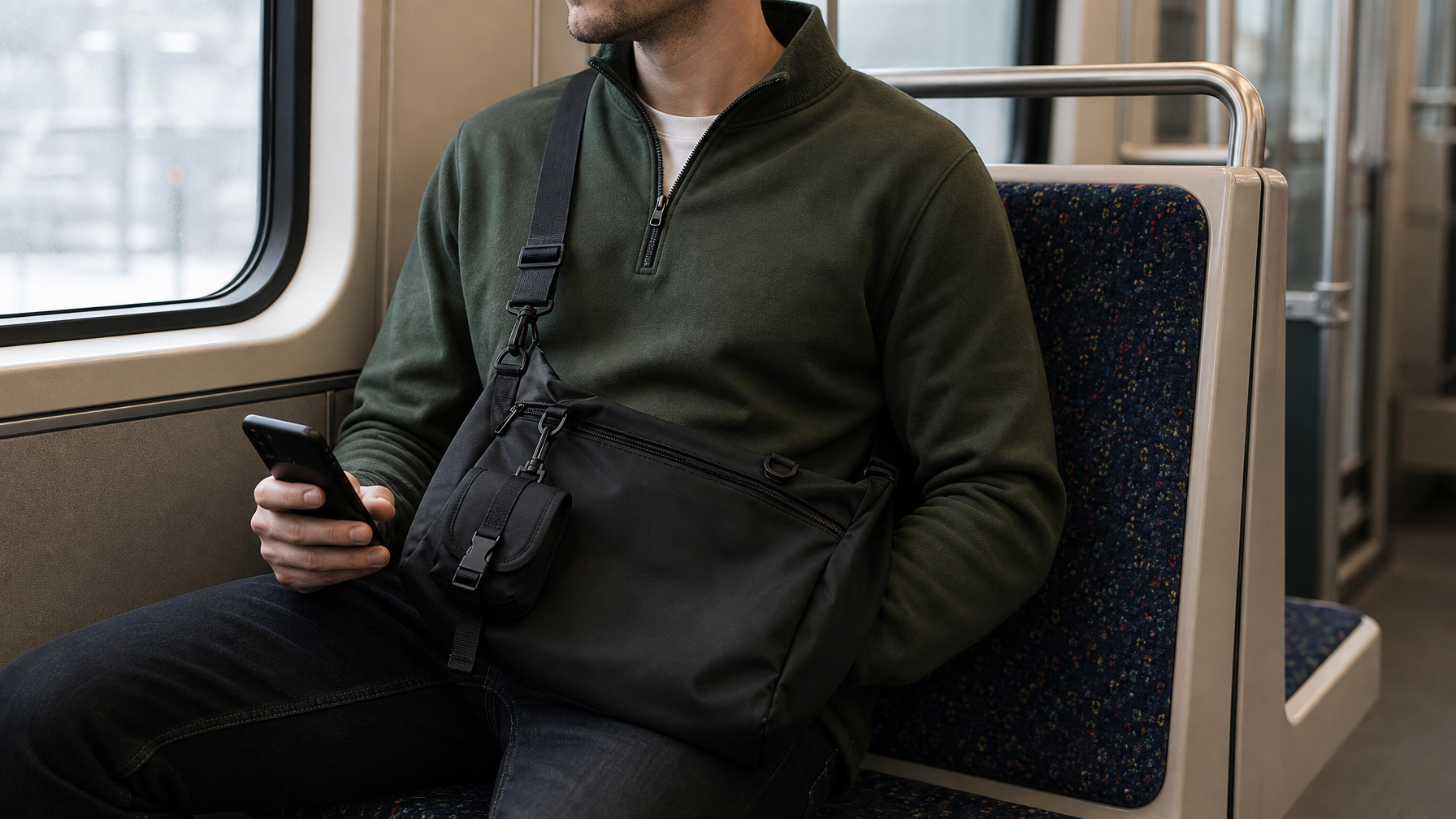
Transit commutes require frequent access to a small set of items: phone, transit card, earbuds. These are not inside the laptop compartment. But if the bag design does not account for them with a dedicated exterior pocket, they end up inside the main compartment — and every turnstile, every platform tap, and every coffee order becomes a small search operation.
Over five days a week, that friction compounds.
The solution is a single fast-access exterior pocket positioned on the front of the bag, accessible while wearing it. One pocket, sized for phone plus two or three small items. That is the entire solution to Problem 2.
Problem 3: Weather Exposure
Most bags are not waterproof. Most commuters discover this at the worst possible moment.
A laptop in a bag that absorbs rain is not a theoretical problem. The water does not have to penetrate the laptop sleeve to cause damage — condensation, humidity, and dampened interior materials create enough of an environment over repeated exposure to affect electronics and produce odour.
The solution is not a rain cover. A rain cover is a secondary accessory that requires removing and reattaching the bag, storing the cover somewhere, and remembering to use it before the rain starts. The solution is a waterproof outer shell as the primary construction material — so the commute handles rain without a second thought.
Problem 4: Dead Weight
Dead weight is the cumulative mass of everything in the bag that you carry but never use. For most daily commuters, it represents between one and two pounds of unnecessary load carried every single day.
The commute does not need a full first-aid kit, three spare cables, or a book you have not opened in three weeks. A lean carry methodology for daily commuters covers the editing process in detail — the short version is that anything you have not reached for in five consecutive commutes belongs at home.
Two of the four problems are equipment decisions. Two are packing decisions.
The Core Setup
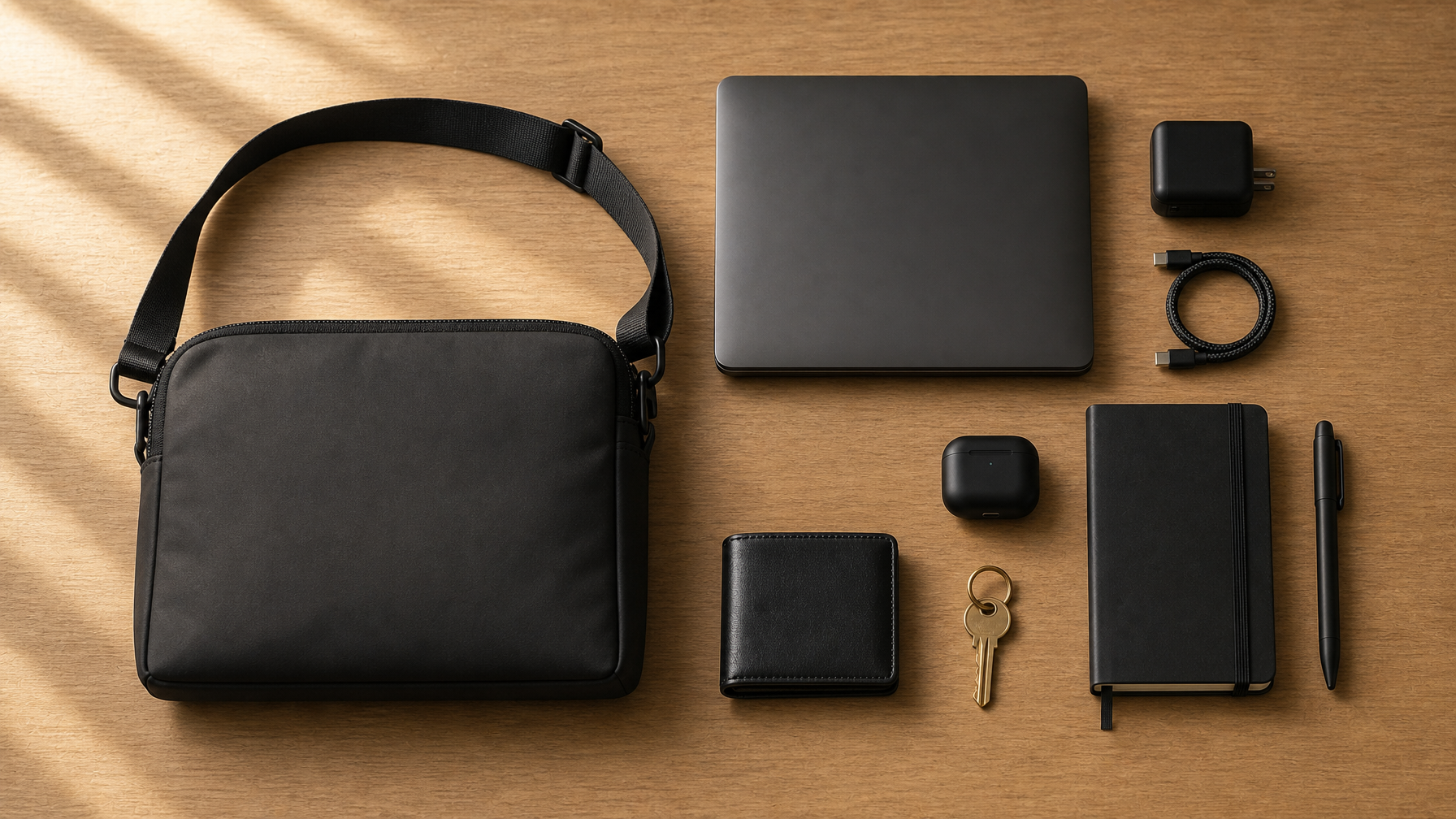
The core of a functioning daily laptop commute breaks into four layers.
The Bag
The bag is the only decision that cannot be compensated for with better packing. A bag with a narrow strap, no exterior pocket, and an untreated shell creates Problems 1, 2, and 3 simultaneously. No amount of editing your carry solves a bad bag.
The criteria for a laptop commute bag:
Padded laptop sleeve. Not a laptop section — a dedicated padded sleeve backed by the rear panel of the bag. The laptop needs protection when the bag hits a subway door or gets set down on a wet surface.
Wide diagonal crossbody strap. Approximately 1.5 to 2 inches wide, with a secure tri-glide adjuster that does not loosen under movement.
Fast-access exterior front pocket. Large enough for a phone, transit card, and earbuds. Accessible while the bag is worn.
Waterproof shell. 600D Oxford or similar technical nylon. Not "weather-resistant" without a material specification.
10 to 15 litre capacity. The laptop commute bag should close cleanly with everything inside. When it does not close cleanly, the load is wrong — either the bag is too small or the carry needs editing.
For a full selection framework across all commute types and bag styles, the complete commuter bag guide covers every variable.
The Laptop
A 14-inch laptop is the commute sweet spot. Large enough for real productivity, small enough to fit a crossbody or messenger-style carry without forcing the bag to compensate with volume that makes it awkward on transit.
A 16-inch workstation is a legitimate tool. It is also a legitimate backpack requirement. If you are commuting with a 16-inch machine in a crossbody, the bag is working against you. Match the laptop size to the carry style.
The Charging Kit
A GaN charger (65W covers laptop plus phone from a single brick), one USB-C cable, and one USB-A to USB-C adapter. That is the full charging kit for 95% of commuters. The charger goes in the front exterior pocket or the organiser panel — accessible without opening the main compartment.
Do not carry a secondary battery pack unless your commute explicitly requires it. A good GaN charger at the destination eliminates the need for that weight every day.
The Access Layer
The access layer is the handful of items that need to be reachable without opening the main compartment: phone, transit card, earbuds, occasionally the charger. All of these belong in the exterior front pocket.
If anything in the access layer ends up in the main compartment, the packing is wrong — not the bag.
The Weather Layer
The weather layer is not a permanent part of the carry. It is a conditional add-on.
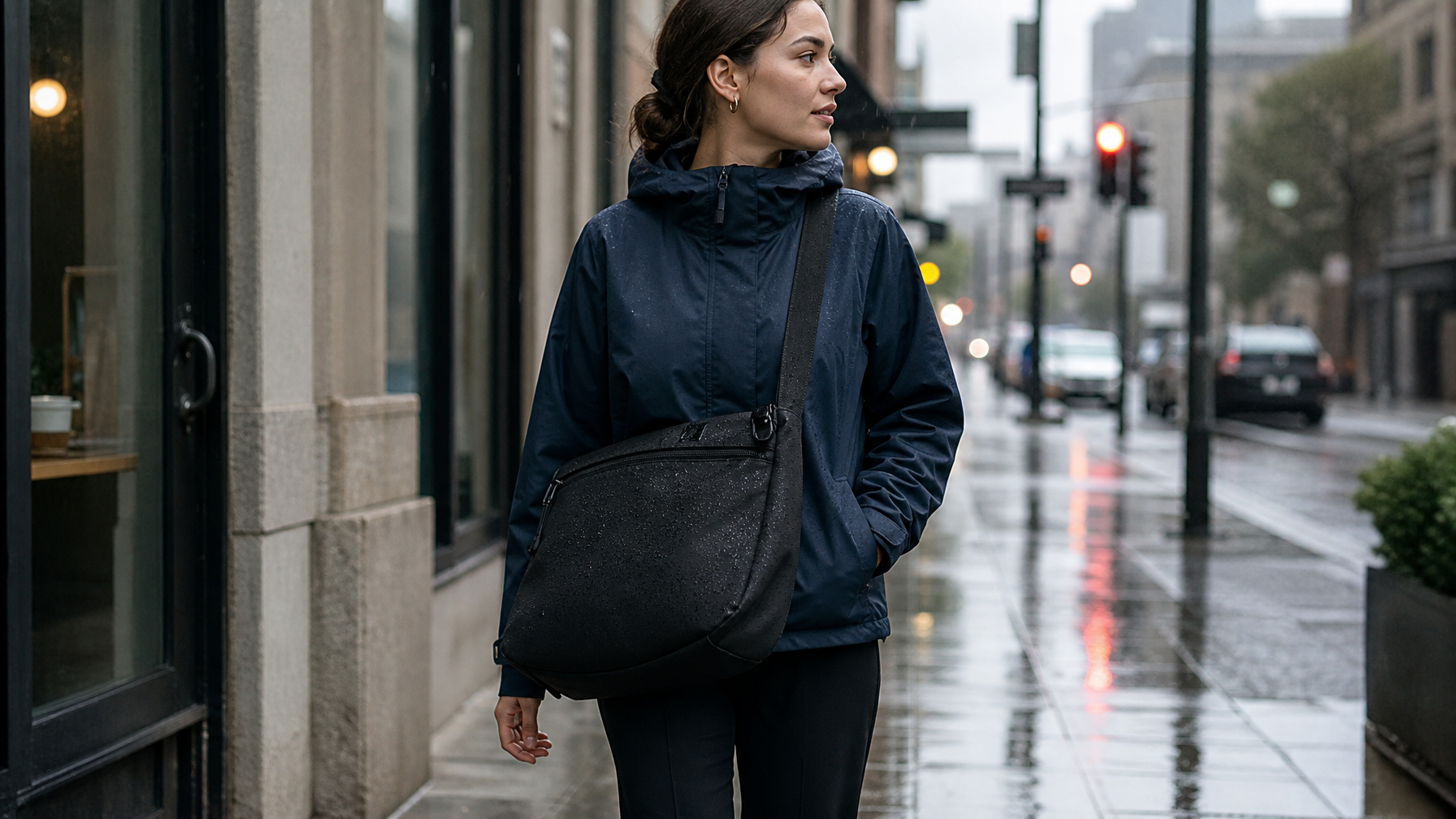
On clear days, no weather layer is required. The bag's waterproof shell handles brief exposure — a sprint from a car to a building entrance, a short walk in light rain.
On days with forecast rain:
A packable shell jacket (uninsulated, compresses to fist-size) goes into the top of the main compartment or the exterior side pocket. Comes out on arrival. A compact umbrella goes in the same location. Neither item belongs in the bag permanently. They come in when the forecast requires it. The rest of the time, they stay home.
The bag itself needs no special treatment in rain if the outer shell is genuinely waterproof. Water beads off 600D Oxford without a cover, a treatment, or a second thought.
How to Pack It So It Works Every Day
The commute works when the packing is systematic — each item has one location, and it is always in that location.
The structure:
Padded laptop sleeve: laptop only. The sleeve is not secondary storage.
Main compartment: charger, notebook, water bottle (in the side sleeve if the bag has one), and any overflow from the day — a document, a purchase, a jacket. The main compartment is the daily variable. The sleeve and exterior pockets are fixed.
Front exterior pocket: phone, transit card, earbuds. Full stop. No cables, no receipts, no loose change.
Organiser panel: pen, a spare cable, a card or two that does not fit in the wallet.
Rear security pocket: transit card if it is a physical card, backup payment method, anything that needs to stay against the body on transit.
When every item has a fixed location, the commute becomes automatic. You stop thinking about where things are and start thinking about where you are going.
For commuters evaluating specific bag options for the laptop commute, the best laptop bags for commuting covers the leading picks organised by commute type.
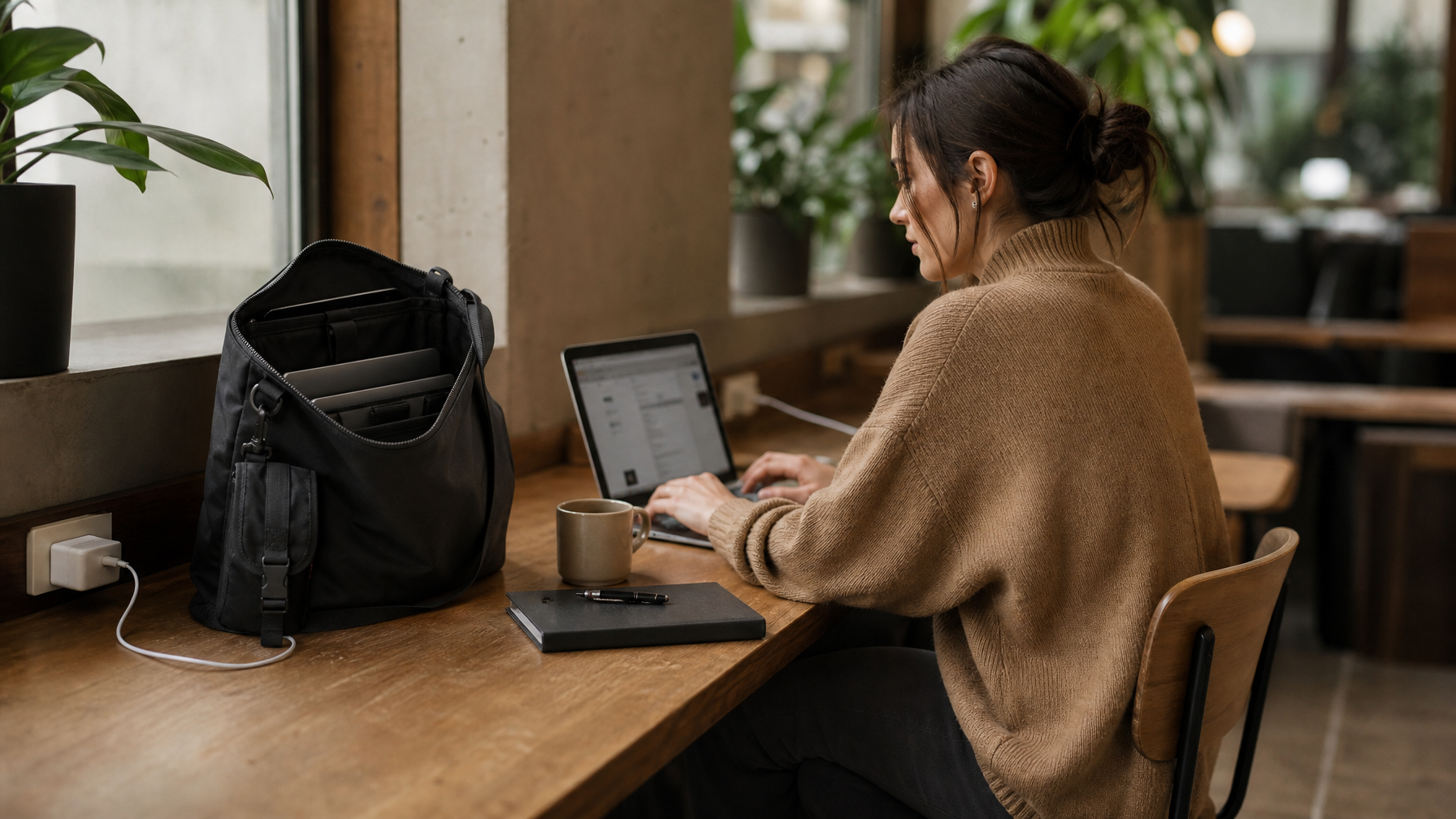
The Bag That Handles All of It
The Haven Messenger is built specifically for the daily laptop commute.
A padded 14" laptop sleeve backed by the bag's rear panel. A full-width front exterior pocket for the access layer. A waterproof 600D Oxford shell. A wide seatbelt-style webbing strap with a tri-glide adjuster and strap keeper. An interior organiser panel with pen loops, card slots, and a cable pocket. A rear security pocket flat against the body. A detachable front accessory pouch for items that need an extra layer of separation.
The loaded weight on a standard commute setup — 14" laptop, charger, notebook, earbuds, wallet, keys, water bottle — sits below 5 pounds. The crossbody carry distributes that evenly. No strap fatigue. No dead weight. No searching for a transit card at a turnstile.
For commuters evaluating options across styles and budgets, the best commuter bags of 2026 covers the leading picks organised by commute type.
Frequently Asked Questions
What is the lightest way to commute with a laptop?
The lightest commute setup starts with the right laptop size — 13" to 14" keeps the base weight manageable. From there: one GaN charger instead of a charger and a power bank, earbuds instead of over-ear headphones, and a notebook instead of a tablet. Most commuters can bring the total loaded weight below four pounds without sacrificing anything they actually use daily.
Does the bag type matter more than the laptop size?
Both matter, but the laptop size sets the floor. A 16" laptop physically requires more bag volume than a crossbody is designed to provide comfortably. A 14" laptop works well in a 10 to 15L crossbody or messenger hybrid. If you are working with a larger machine, the bag selection needs to start with that constraint.
Is a crossbody bag enough to protect a laptop?
Yes, if the bag has a dedicated padded sleeve. The sleeve is what protects the laptop — not the outer shell, and not the softness of the main compartment contents. A dedicated padded sleeve, backed by the rear panel, absorbs impact from outside. A laptop floating loose in a main compartment does not have that protection, regardless of bag type.