


Two-Device Days: Packing a Laptop and a Tablet Without Doubling Weight

TLDR: A two-device day is a laptop plus a tablet in one bag, not two complete kits. Put the laptop in the padded sleeve. Park the tablet flat against it or in the main cavity. Share one short cable and one brick. Leave the second charger, second notebook, and "just in case" brick at the desk. If the bag still feels heavy, the second device is not the problem. The duplicate accessories are.
Tablet-only days already have their own guide (Tablet-Only Carry: Building a Day Bag Without a Laptop). This article is the other job. You still need the laptop. You also need the tablet. You do not need two of everything that charges, writes, or "might be useful."
The failure mode is predictable. You pack the laptop kit you already trust. Then you drop the tablet on top and add its folio, its pencil, its own brick, and a thicker notebook "for the tablet." The bag becomes two incomplete offices. Your shoulder notices before the meeting does.
If device bulk is the general problem, read The Tech Carry Problem for weight hygiene. Use this piece when the specific question is laptop and tablet together on a normal workday.
What a two-device day actually is
Write the day in one line: laptop for deep work or presenting, tablet for reading, markups, or a second screen on the train. If you will not open the tablet, leave it home. If you will not open the laptop, you are back in tablet-only territory.
Two-device day. Both machines leave the house and both will be opened.
Not a two-device day. Laptop only, with the tablet "just in case." That is one device plus dead weight.
Not a two-device day. Tablet only, with a laptop charger "in case the office needs it." That is tablet-only with clutter.
The test: name the first task you will do on each device before you zip the bag. If you cannot name one task for the tablet, it stays on the charger at home.
Pack order that keeps weight honest
Pack on a clear surface the night before or at the desk before you walk. Same order every time.
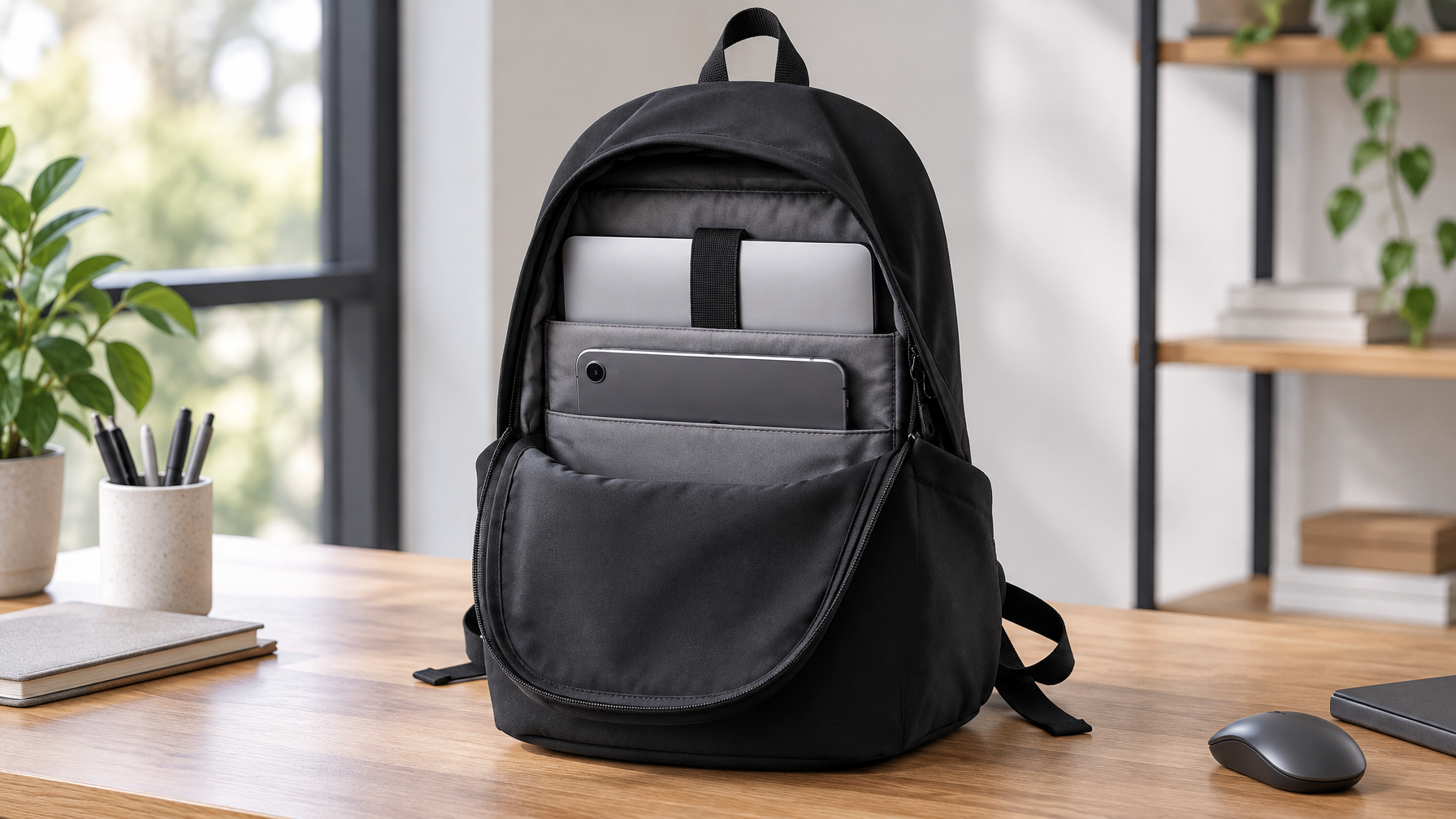
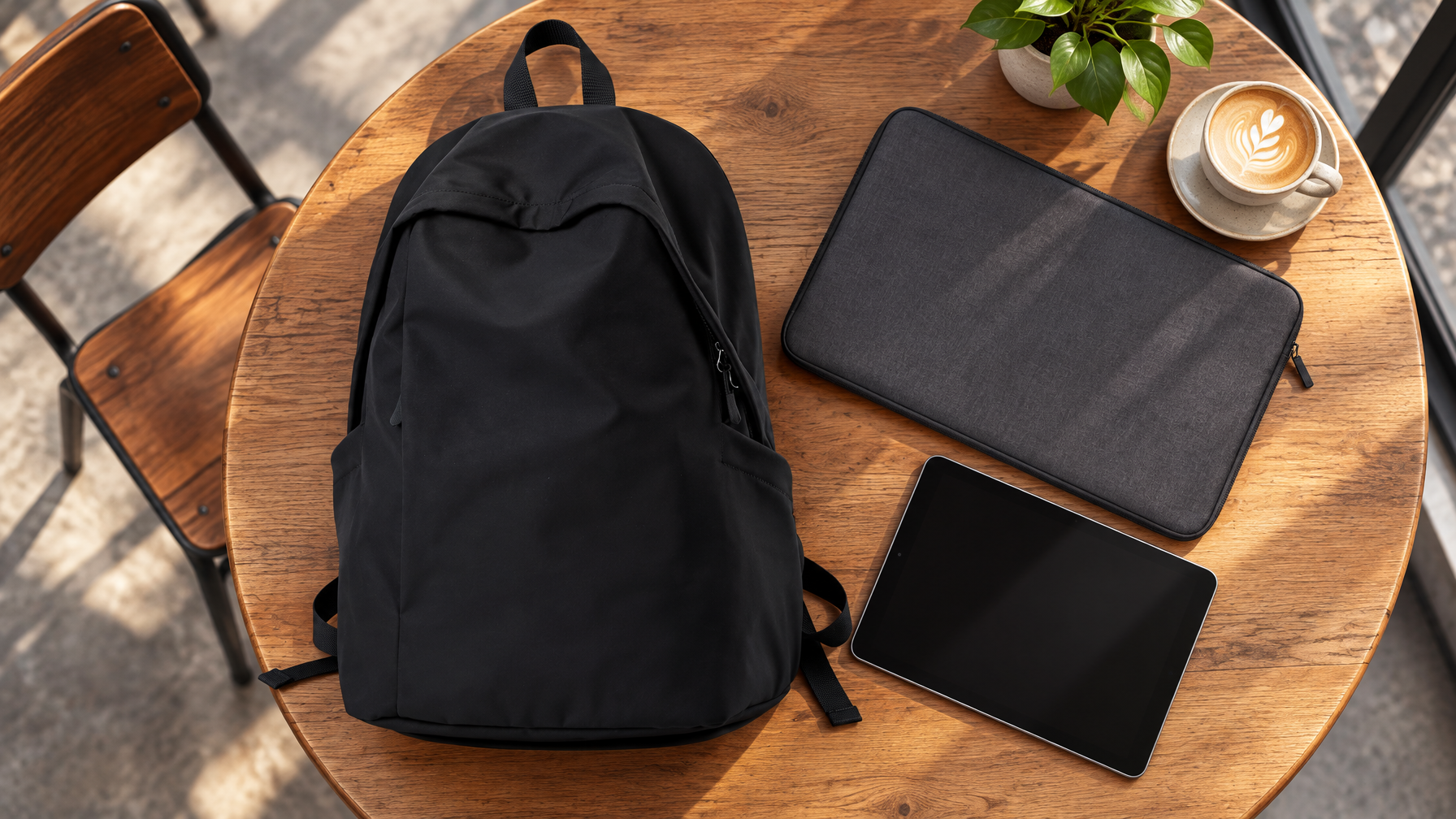
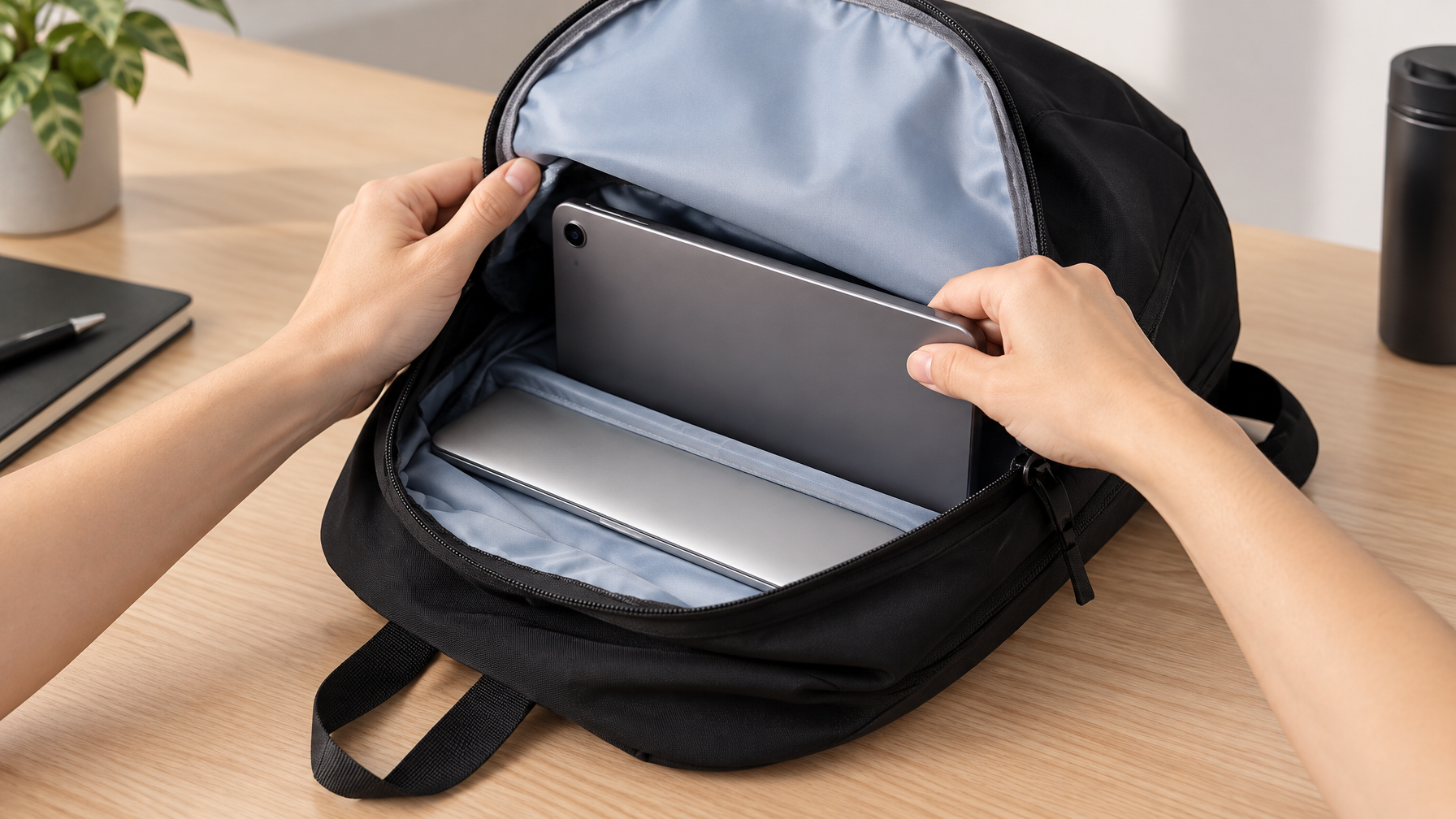
1. Laptop first. Up to 15.6 inches in the Lite Backpack padded sleeve. Close the sleeve. The laptop is the structural spine of the kit. Price is $89. The pack is about 1.0 lb empty. Do not use the sleeve as general storage.
2. Tablet second. Flat, screen protected, against the laptop sleeve wall or in the main cavity with a thin sleeve if you use one. Do not stand the tablet on edge under water bottles. Do not bury it under lunch.
3. Shared power. One brick that can charge the laptop, or the brick you actually use on this route. One short cable that matches both devices if they share a standard, or one laptop cable plus one thin tablet cable only if they truly differ. No second full brick.
4. Thin paper. One notebook or a slim folder. Not a tablet folio plus a legal pad plus yesterday's printouts.
5. Identity and daily reach. Phone and wallet on your person when possible. Keys in a fixed pocket. Badge if the building needs it.
That is the whole list. Headphones only if you take calls on the walk. A light layer only if the room is known to be cold.
What doubles the weight (and what does not)
The tablet itself is usually a few pounds at most. Duplicate accessories are how two-device days go wrong.
Leave these at the desk unless the day is a long off-site:
- Second laptop brick
- Tablet "travel kit" that is really a second desk drawer
- Full-size keyboard you will not pair
- Extra mouse when the laptop trackpad is enough for the tablet day too
- Second notebook "for tablet notes"
- Cables for devices you are not carrying
Keep:
- One power path that covers both machines
- One thin input (pencil or small keyboard) only if you will use it on the tablet
- Screen protection that is already on the devices, not a third case in the main cavity
Why the Lite Backpack fits this job
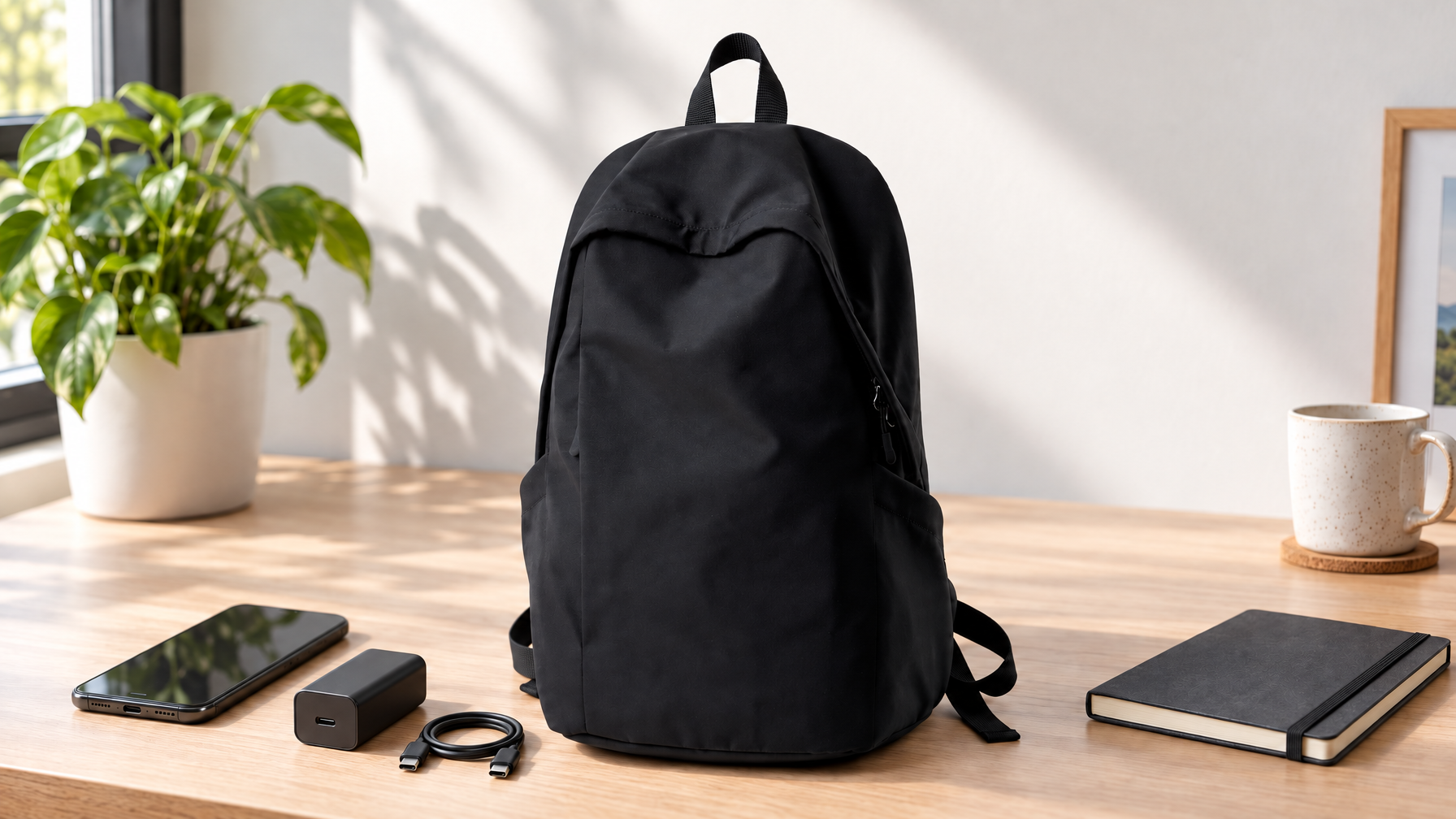
You need a sleeve for the laptop and enough main volume for a tablet without turning the bag into a hiking pack. The Lite Backpack is the light catalog backpack: about 1.0 lb, $89, padded sleeve up to 15.6 inches, front quick-access and side pockets. It is not the heavy ergonomic load pack. It is the "both devices, honest accessories" pack.
Do not default to a messenger for this job if the laptop is 15 inches and the tablet is daily. A messenger can work for a thin 14-inch laptop plus a small tablet on a short walk. A two-shoulder pack keeps the dual stack quieter on a longer commute.
If your daily scale still reads high after you cut duplicate chargers, that is a load-class question for a heavier pack, not a reason to add a third bag. For shoulder pain diagnosis across formats, use the checklist in Shoulder Fatigue Checklist when it is live. This article stays on packing order.
A three-minute weigh-in
Empty bag. Note the number if you care about baseline.
Laptop only in sleeve. Weigh.
Add tablet. Weigh. The jump should look like one device, not a second office.
Add shared power and thin paper only. Weigh again. If this last step jumps more than the tablet step, you packed accessories, not a second computer.
Walk one block. If one shoulder complains, check strap length and both straps on before you blame the tablet.
What this guide will not solve
A 17-inch workstation laptop plus a full-size tablet plus lunch is not a Lite problem. That is a heavier-load backpack day. A tablet you never unlock is not a two-device system. It is clutter.
Do not call any Field & Ash bag waterproof here. Prefer water-resistant only when the specific product care language supports it. Lite is a daily pack, not a dry bag.
FAQ
Can I use a messenger instead?
Yes for a short walk and a thinner laptop. If both devices are daily and the walk is long, a light backpack keeps the stack quieter.
Do I need a separate tablet sleeve?
Only if you already use one and it is thin. A bulky folio often costs more volume than it saves.
What about a second screen at the office?
If the office has a monitor, leave the tablet home unless you need it on the train or in a room without a display.
Is this the same as tablet-only carry?
No. Tablet-only means the laptop stays home and the bag can shrink. Two-device days keep the laptop and add a disciplined tablet.
Close
Name a task for each device. Pack laptop, then tablet, then one power path. Leave the duplicate kit at the desk. The Lite Backpack is the starting point when both machines are real and the accessories stay honest.